moonletter
Practical guides on what is actually happening in design, product and AI and how to use it. Read by over 10,000 designers. What worked, what broke, what I am still unsure about. Three minutes. Free sessions announced here first. Lived and written by me, not generated.
Tags: figma
Showing 9 results:
#010: Figma System Thinkers
Sometimes you donāt need more random Figma tricks; you need structure. This week, we will explore the foundations of scalable UI: naming, variables, setup, and the little decisions that make design systems feel effortless rather than chaotic.
When to use what?Ā
Opened Figma lately and thought: āW...
Dec 04, 2025
components
figma
typography
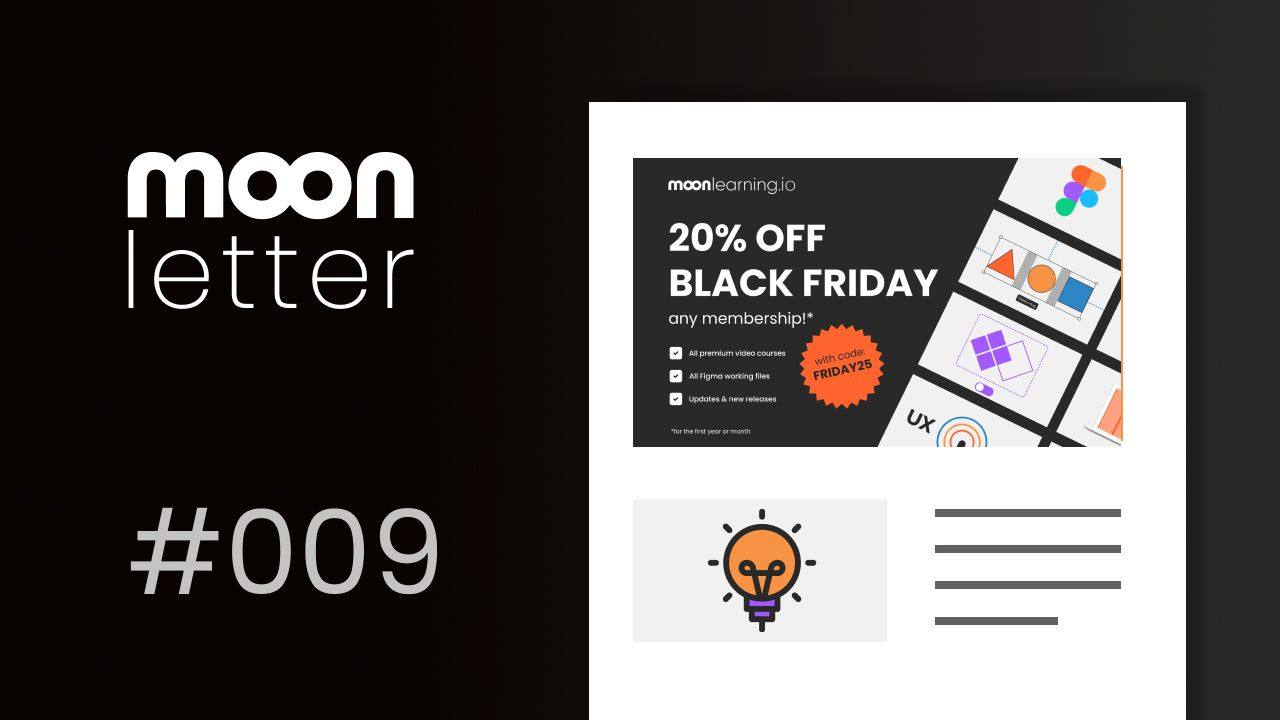
#009: It's Black Friday, my only sale in 2025!
Yes, Iāve been a little quiet, but donāt worry, itās for good reasons. Iām working on some pretty sweet stuff behind the scenes, and new courses and formats are coming your way.
And yes, it's black friday! My only sale in 2025. š
Black Friday Sale!
Use the CODE: FRIDAY25 and take 20% off your fir...
Nov 27, 2025
figma
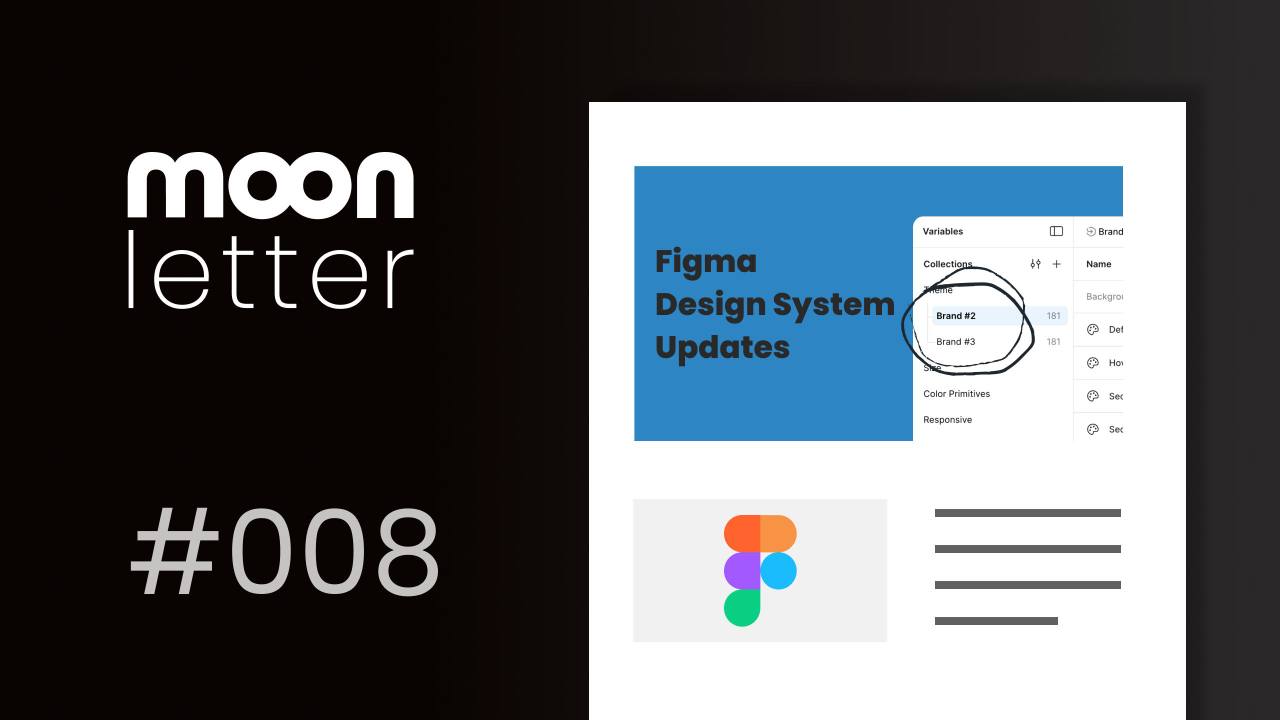
#008: Design System Updates
During Schema 2025, Figma announced several notable updates related to working with design systems and introduced new features. Hereās a quick overview of what to expect. You can find the full official update, which also outlines which plan includes what, on Figma's official Blog article, you can...
by christine vallaure ā
Nov 09, 2025
design system
figma
#007: Figma Helpers
This week is all about my favourite little helpers in Figma that make life easier. Let's dive right in!Ā
Bulk rename
Ever spent too long cleaning up layer names one by one? Thereās a faster way:Ā Use Cmd + R to bulk rename multiple elements at once.āØYou can add or remove text, apply naming convent...
by Christine Vallaure ā
Oct 30, 2025
figma
helper
tips
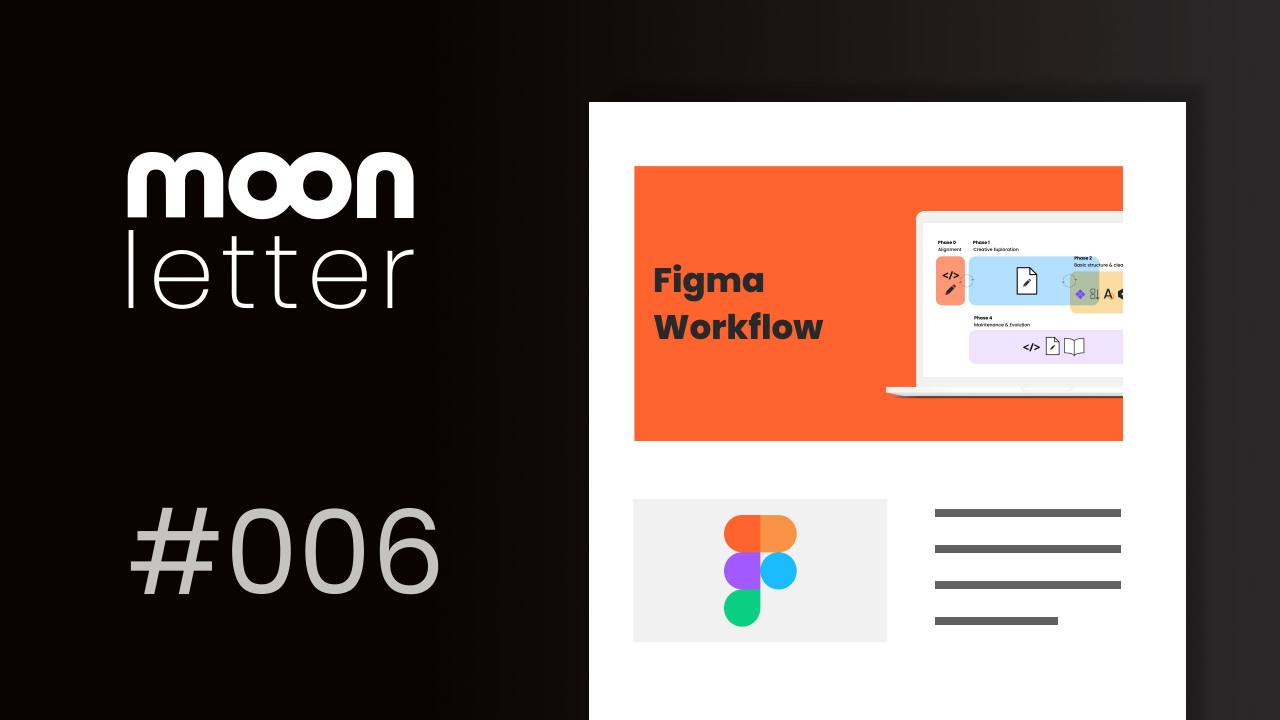
#006: Figma Workflow
Most questions I receive during workshops and lectures arenāt about Figmaās features, but rather about how I actually work.āØHow I combine everything, think through a project, and turn all those features into a working, maintainable file.āØThis week, I want to focus on workflow, the flow behind the...
by christine vallaure ā
Oct 23, 2025
figma
workflow
#005: Figma Components
Ā
This week is all about Figma components. If you use one feature in Figma, let it be this one. You canāt build a solid UI without components. The basics are simple, but thereās a lot around them worth knowing.
Letās get the terms right to start the week:
š Ā Figma ComponentA component is a reusabl...
Oct 16, 2025
component properties
component sets
components
figma
instances
variant
#004: Figma Variables
This week is all about Figma variables, some insights, tips and tricks. Letās start with the basics. Figma gives us variables and styles. But whatās the difference, and when should you use each?
Variables
⢠A variable is one single value (like a colour, number, or size)⢠They can switch to differ...
Oct 03, 2025
figma
modes
styles
variables
#003: Building websites without code. Introducing Figma Sites.
The no-code space is moving fast, and the tools keep getting better. Webflow, Wix, Squarespace, Framer ā and now Figma Sites. Each one has its place, but as a designer, Iām especially excited about what Figma is doing.
This week, Iāll walk you through the essentials of Figma Sites: from publishin...
Sep 25, 2025
figma
figma sites
modes
#001: UI Typography Tips and Tricks
Welcome to the first edition of Moonletter! Each week, Iāll share one topic with a few practical nuggets. Little tips and tricks to keep your thoughts fresh and your workflow smart. Feel free to reach out with any topics youād like me to cover. Let's start this week with tips and tricks around ty...
Sep 15, 2025
figma
figma sites
typography