
During Schema 2025, Figma announced several notable updates related to working with design systems and introduced new features. Here’s a quick overview of what to expect. You can find the full official update, which also outlines which plan includes what, on Figma's official Blog article, you can also apply for early access there. Here is the quick overview for now:
Extended collections for multi-brand systems
Finally solving multi-brand design systems in Figma with extended collections! If you’ve ever juggled multiple products with different themes, you know how painful it’s been.
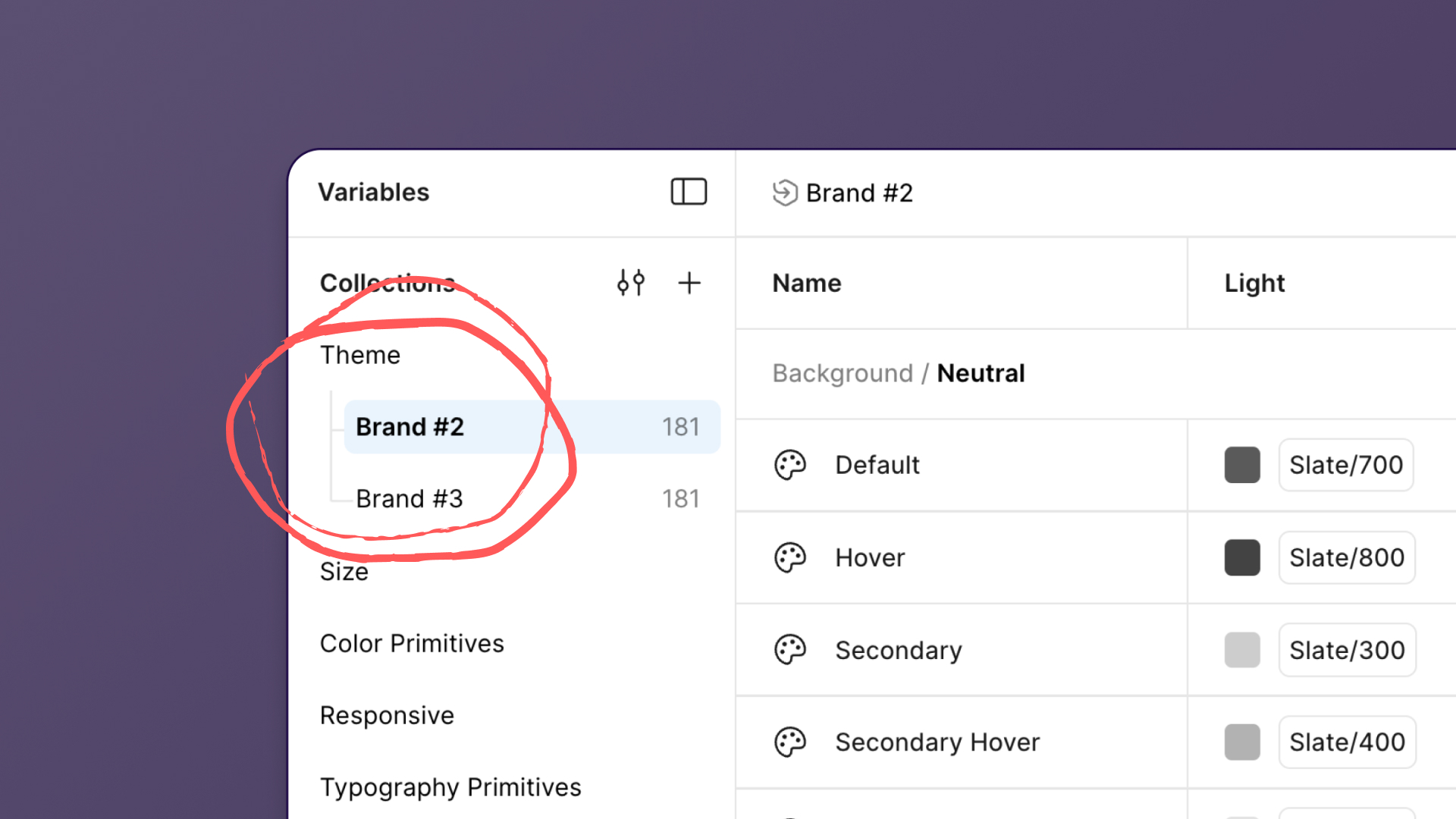
What is it?
- With Extended Collections, design system authors can publish a core, whitelabeled system.
- Other teams can extend with their own themes, colours, or adjustments, without breaking the link to the source.
- When the main system updates, the changes are automatically applied.
Luis Ouriach put together an amazing playground file with structure recommendations.
Connect Figma to your GitHub repo
You can now connect Figma directly to your GitHub repo and use AI suggestions to automatically find the right code files to map to each design component!
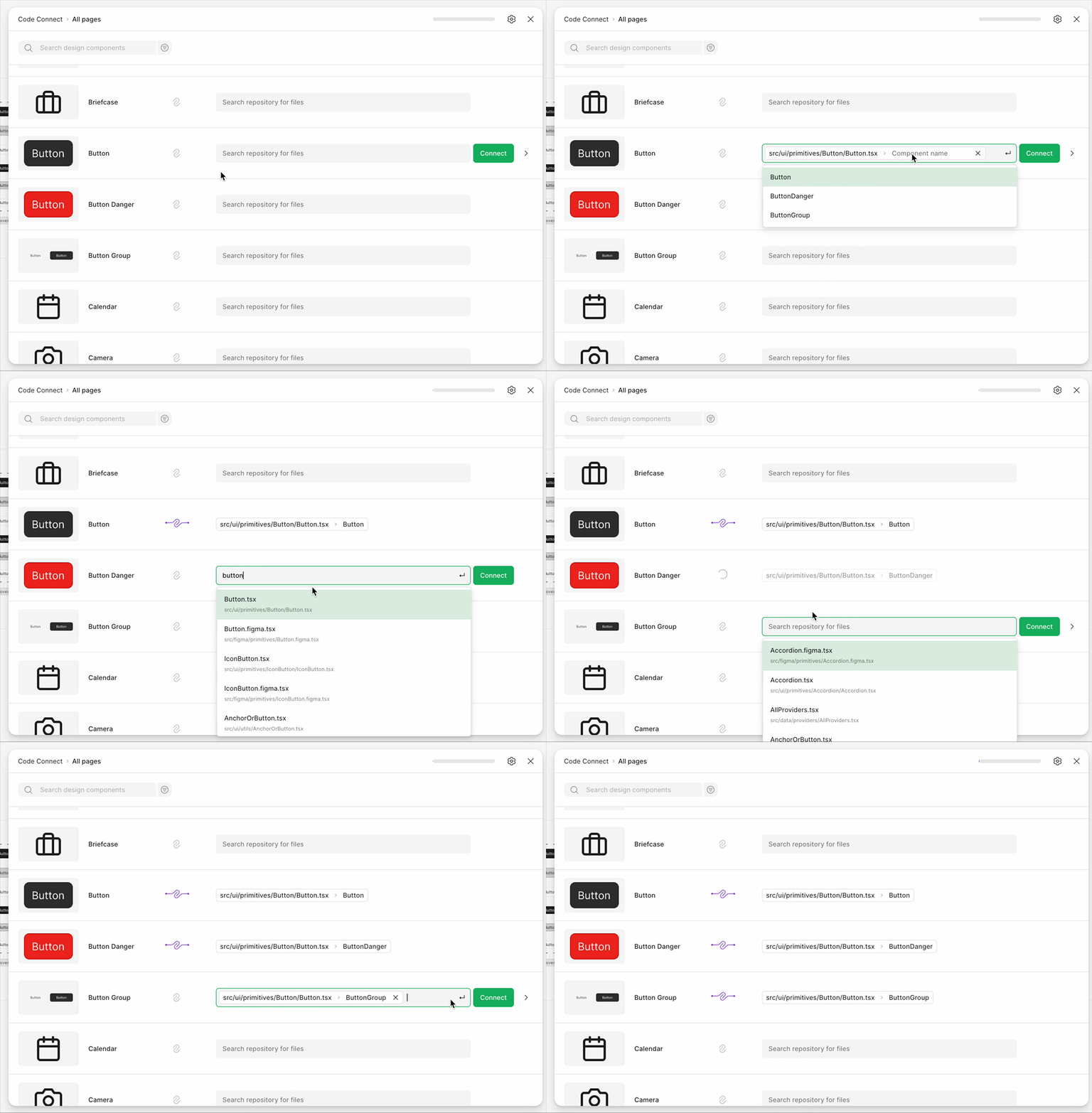
Figma Code Connect has been one of the biggest steps toward bridging that gap between design and code: Linking Figma components directly to the code they represent. But until now, setting it up took a bit of effort. At Schema 2025, Figma announced the new Code Connect UI, making that whole process faster, easier, and more intuitive.
You can now connect Figma directly to your GitHub repo and use AI suggestions to automatically find the right code files to map to each design component. No coding required.
💡 What Code Connect does:
- It lets you map your design components in Figma to the actual components in your codebase.
- Once connected, these mappings help developers, AI tools, and even your IDE understand what’s what, ensuring designs stay aligned with how things are really built.
You can also: - Manually map or auto-complete from GitHub
- Add custom instructions for AI code generation
- Preview code snippets right inside Figma
Why it matters: - Design and code aren’t separate worlds anymore.Code Connect (and now the new UI) brings them together in a way that’s finally practical for real teams.
- Little downer: Rolling out only for Organisation and Enterprise customers so far.
Full guide on how this works and setup guide here.
Check designs
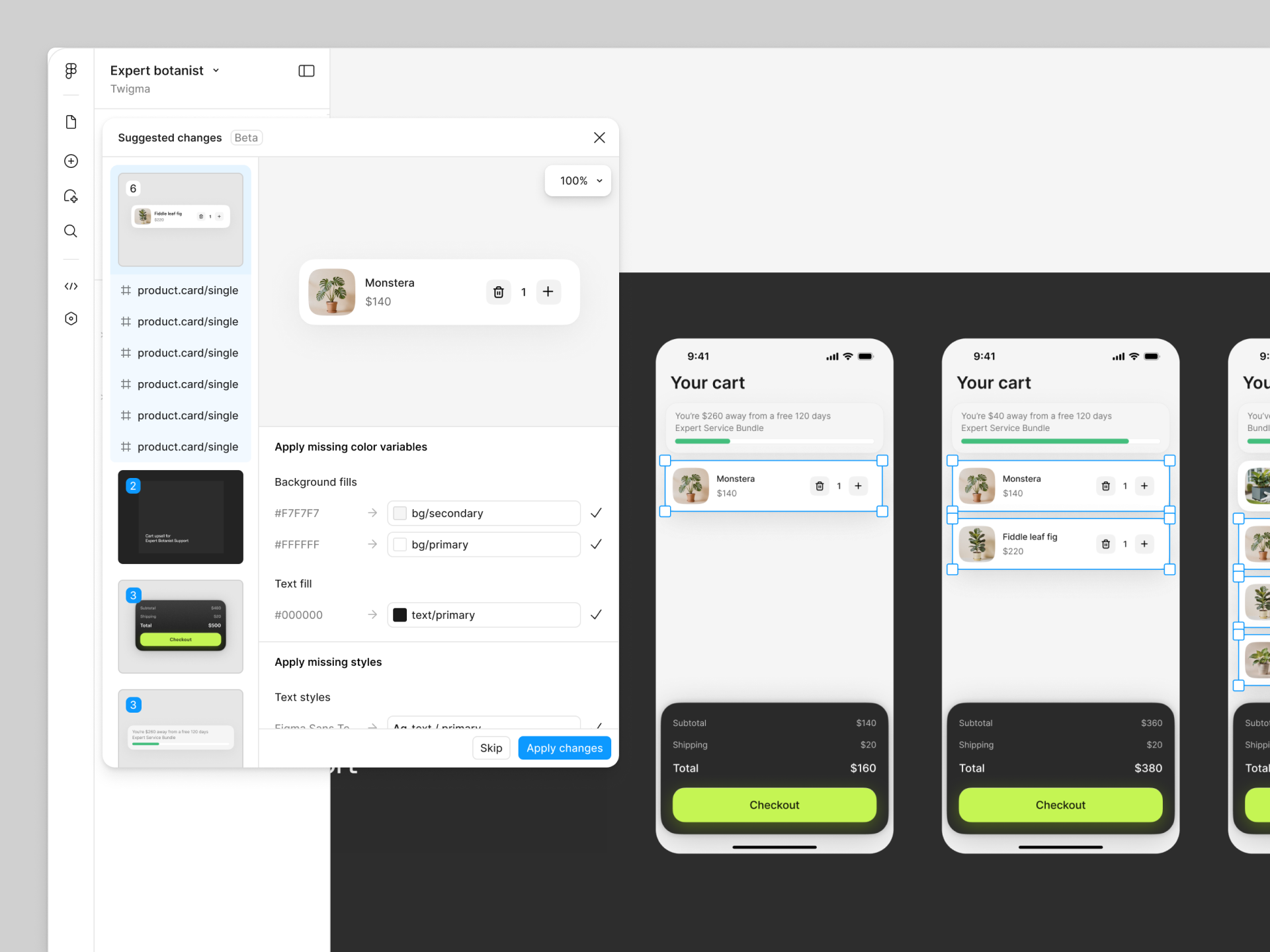
Check Designs automatically spots hard-coded values and suggests the right variables to use instead. You can review, adjust, and hand off to developers knowing everything’s consistent and up to standard. So you can audit and align designs to your design system before you hand them off! Nice!
Slots!
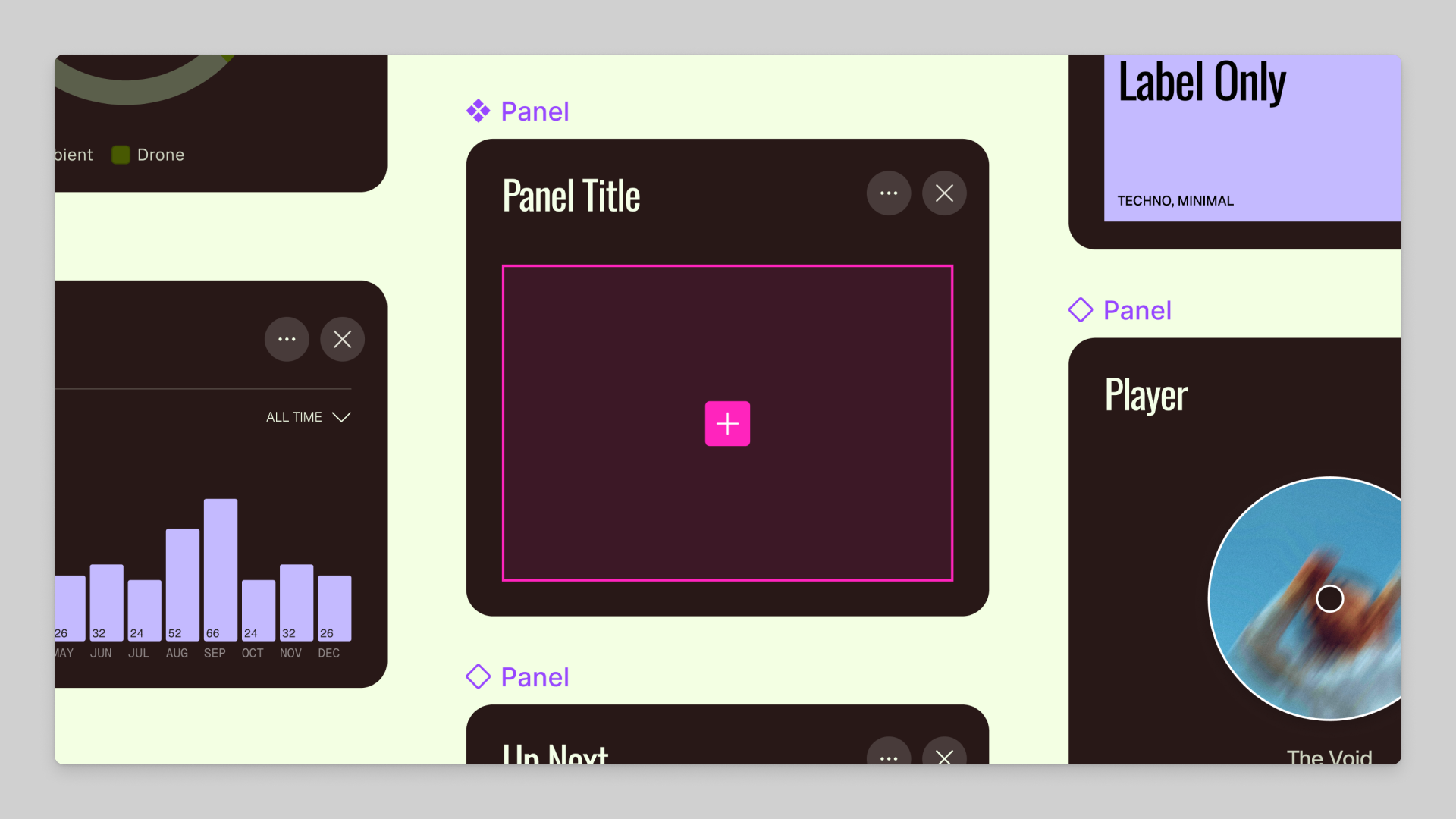
No more slot component hacks! Figma is finally adding native slot components! Here is what they are and how they will work:
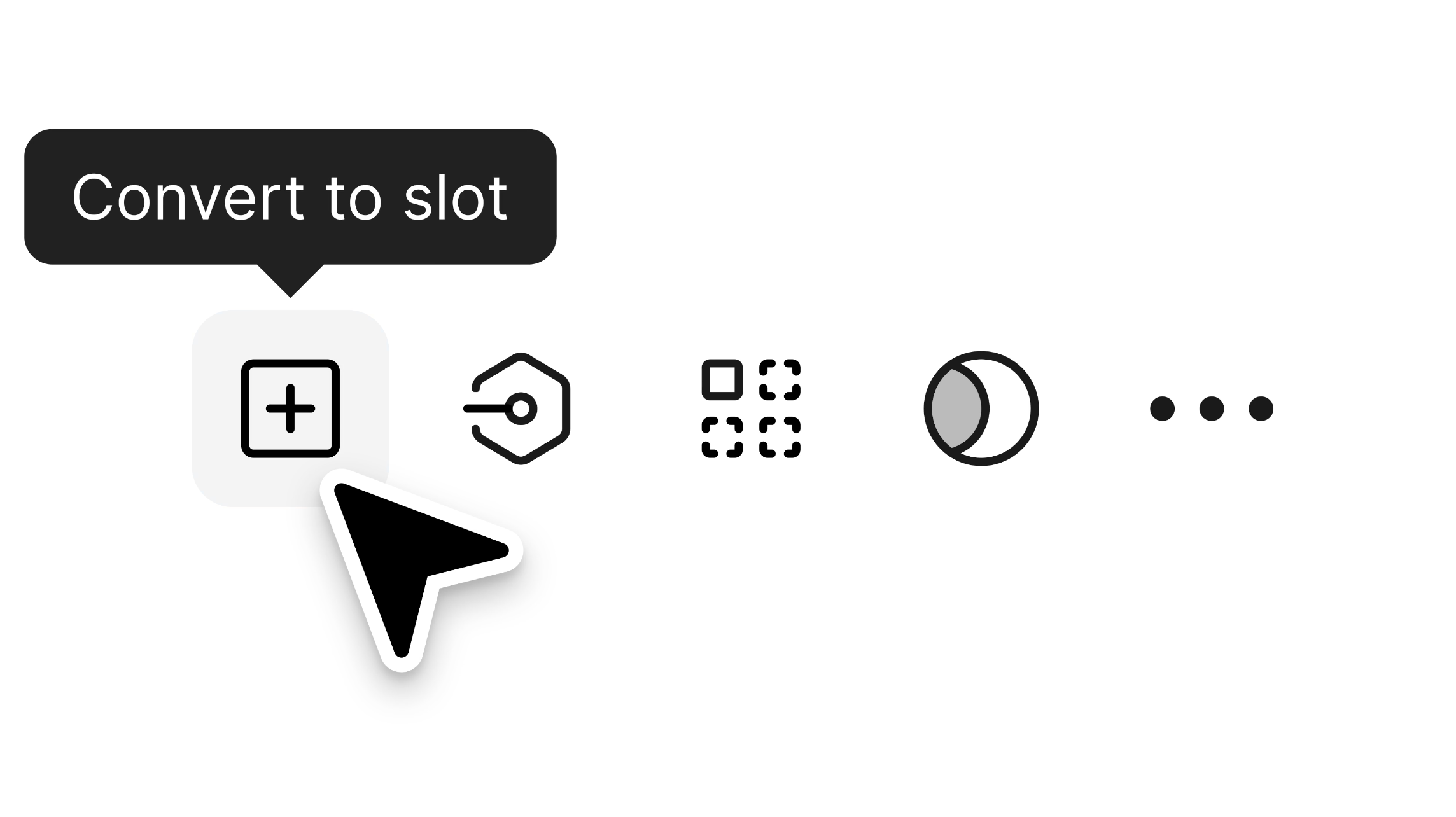
So, what’s a slot component?
It’s a way to define “drop zones” inside a component where you can slot in other components or layers. Think of it as providing your component with flexible, editable spaces without compromising the system.
Until now in Figma:
We hacked this with instance swap properties inside components. It worked… kind of. But it wasn’t clean or scalable.
With Figma Slots
You’ll be able to mark specific areas inside a component as slots, then drop in new layers or instances while keeping everything connected to the design system. More flexibility. Less detaching. Cleaner handoff. A big step toward truly composable design systems in Figma.
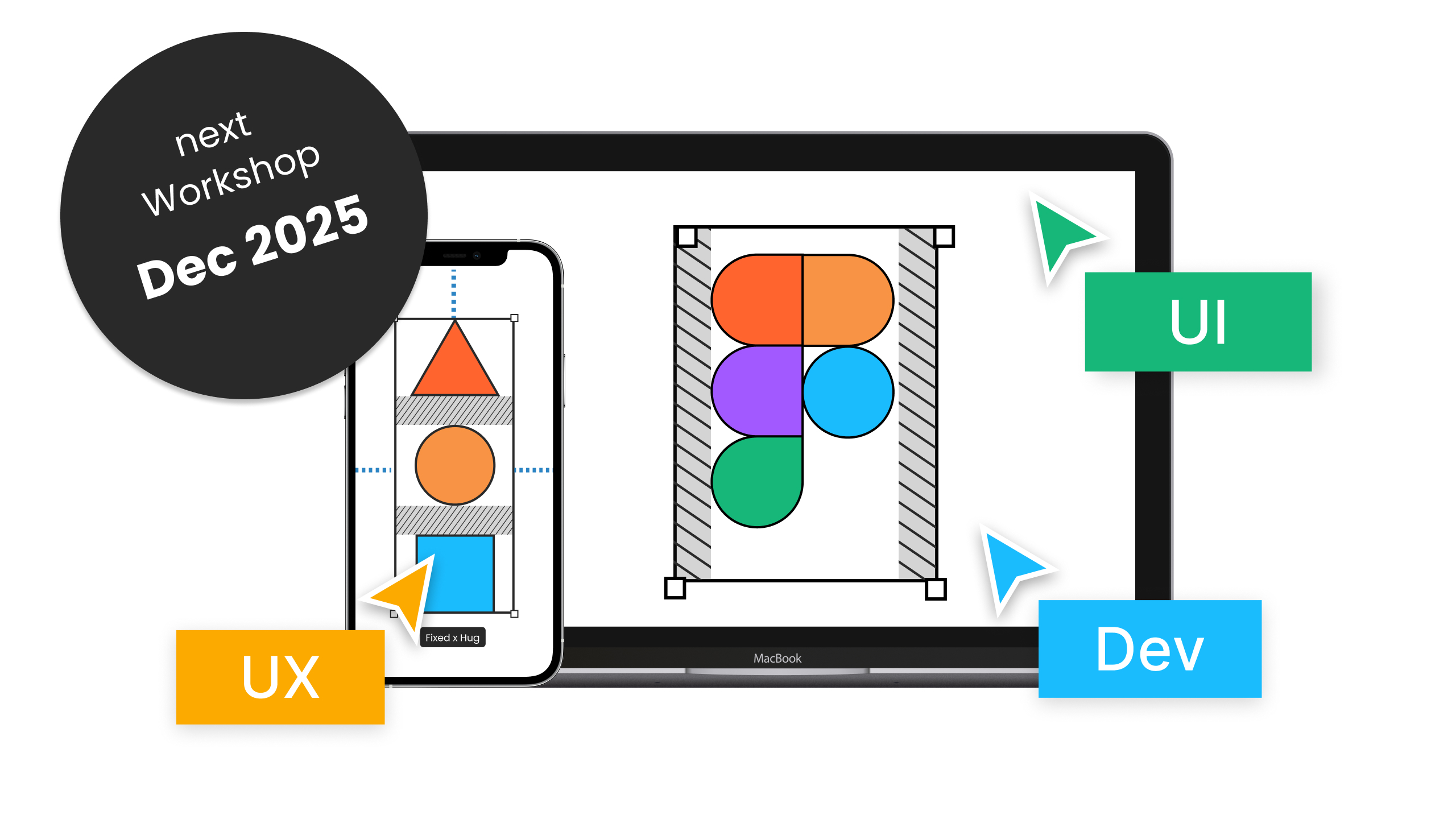
December live online workshop!
Be sure to check out my upcoming live online workshop. It’s a 5-day, 3-hour-per-day deep dive into all the main Figma features, workflows, and plenty of tips and tricks to help you level up. There’s plenty of time for your questions, and all sessions are recorded, so you can rewatch or catch up anytime.
Moonlearning news:
Upcoming Talks & Workshops
I love to combine these trips with guest lectures, exploring new projects, or simply exchanging thoughts over coffee. So, please reach out if you’d like to connect in person.
Content Convention, November 2025
Conference Talk – Mainz, Germany 🇩🇪
Figma Masterclass by Smashing Conferences, December 2025
Figma Masterclass – Online 🖥️
Smashing Conference, April 2026
Conference Talk – Amsterdam, Netherlands 🇳🇱
See all workshops and events -->
Want to learn more about Figma, UI and Building?
Get a moonlearning.io membership today and access all courses, from beginner to pro, covering Figma, UI and UX principles, and how to not only design but also build your own websites and products.

Responses