
This week is all about my favourite little helpers in Figma that make life easier. Let's dive right in!
Bulk rename
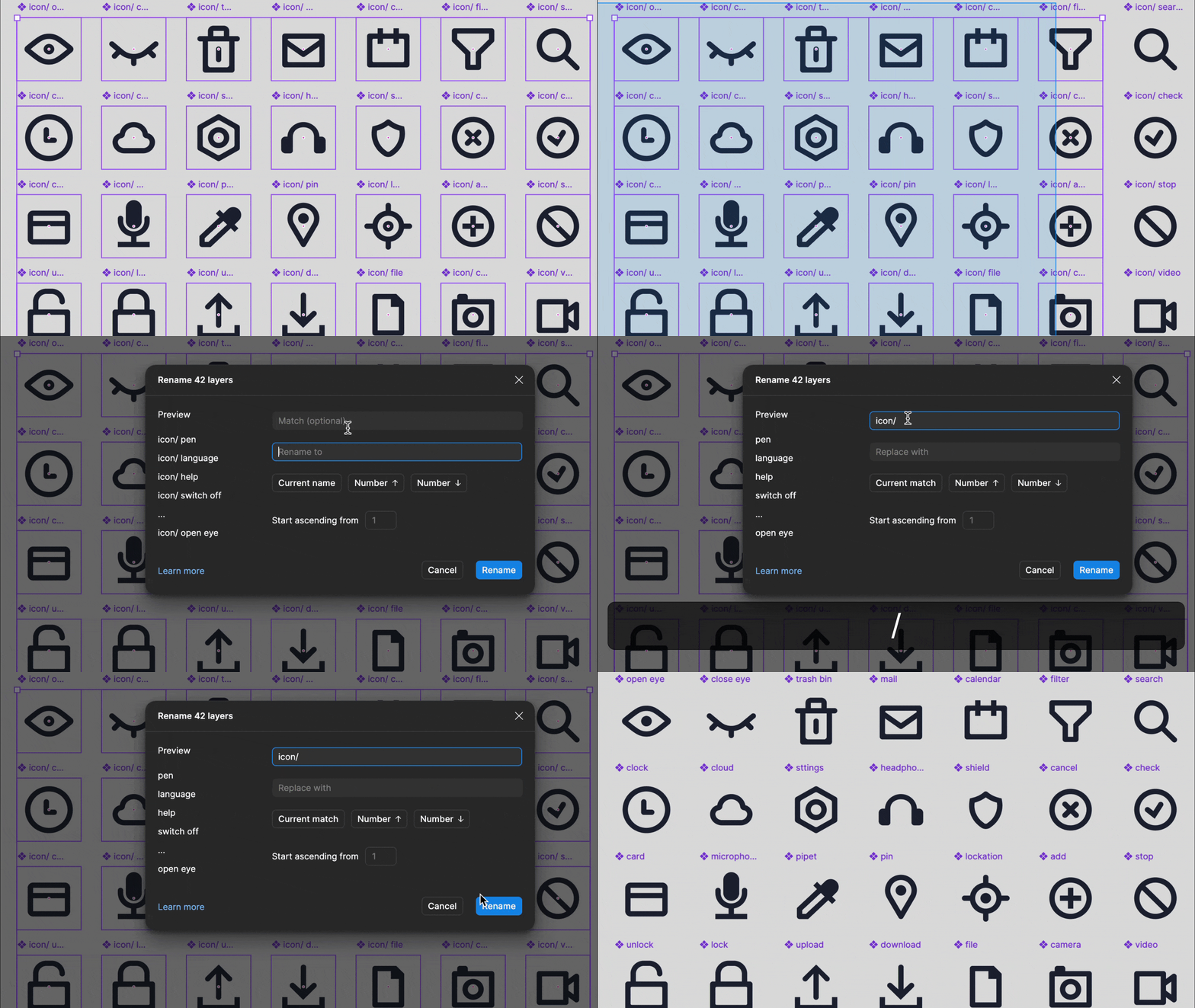
Ever spent too long cleaning up layer names one by one? There’s a faster way: Use Cmd + R to bulk rename multiple elements at once. You can add or remove text, apply naming conventions, add numbers, or replace words across a whole selection. Perfect when you’re tidying up large groups like an icon set. Quickly add or remove an extra naming convention like icon/ across all names in seconds.
Open Dev Mode Directly in VS Code
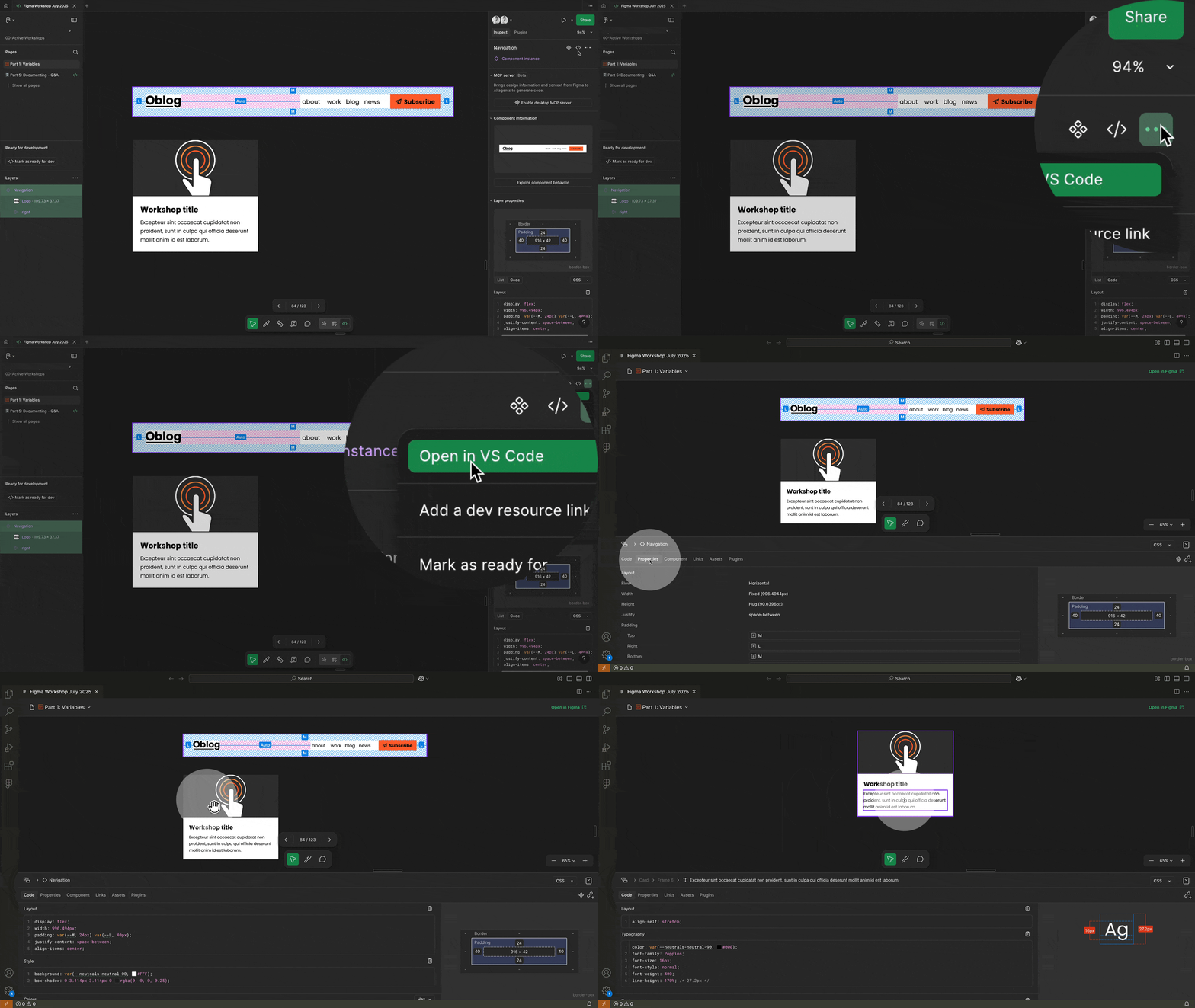
Best overlooked helper in Figma: You can view and inspect your Figma files directly in VS Code. Tell your developers about it because there is nothing nicer than staying in your natural environment. No need to switch tabs or copy styles back and forth.
The extension lets developers:
- Open and inspect design files in VS Code
- See and reply to comments in real time
- Link code files to design components
- Get code suggestions based on designs
- Track changes and speed up implementation
You can open a file directly from Dev Mode → three dots → Open in VS Code, or browse your design files from the Figma extension panel inside VS Code.
Quick tip: Select variable with eyedropper
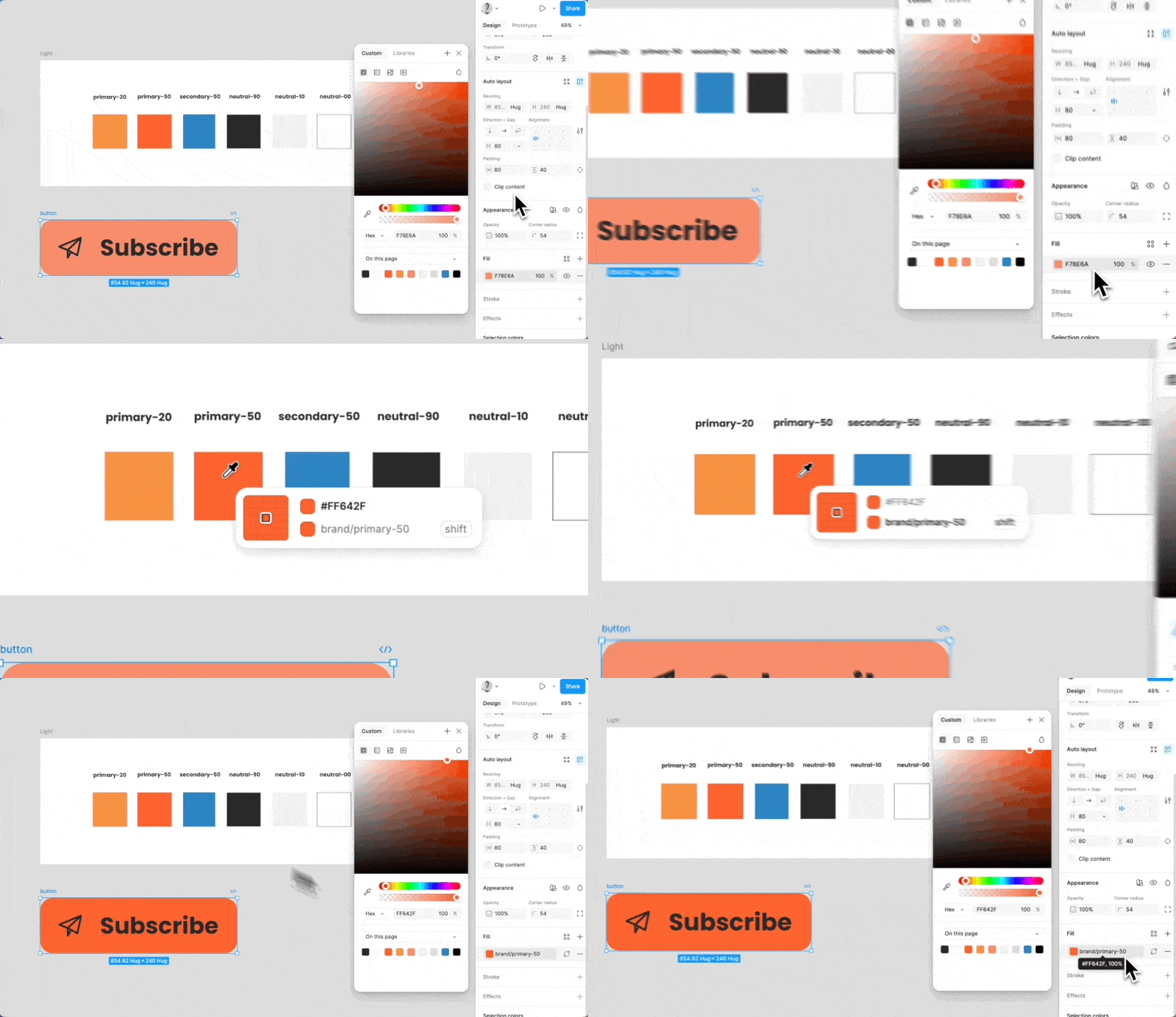
Quick tip: You can now use the eyedropper to select a variable, not just the hex code of a colour like before. A small change, but it definitely makes my workflow so much faster!
Automate auto layout
Did you know you can let Figma set up Auto Layout for you?
With Suggest Auto Layout, Figma automatically nests your layers and applies layout settings for you. It saves time, especially when cleaning up existing designs.
It’s a bit tucked away: right-click, go to More options, or Shift + Ctrl + A.
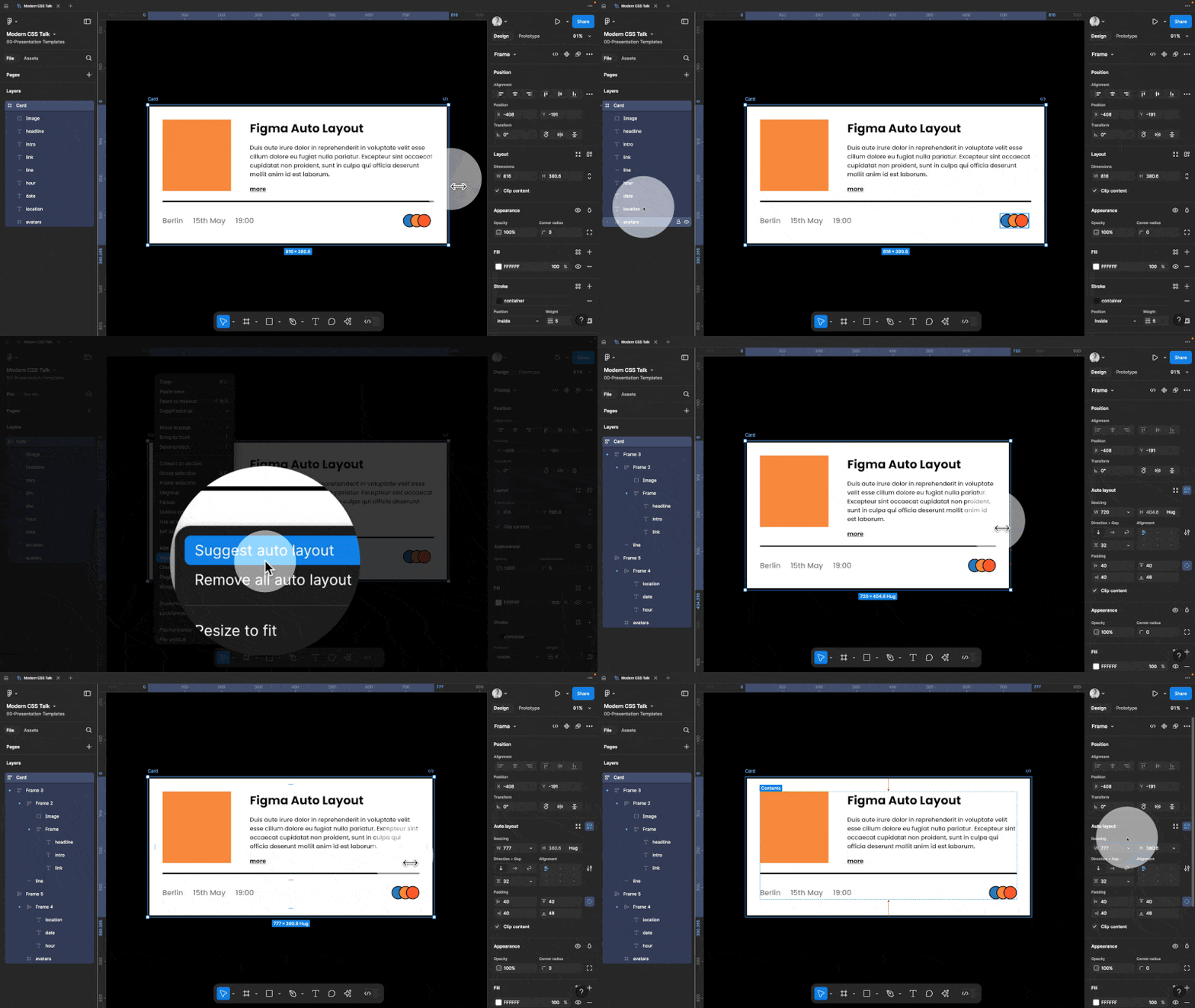
I still prefer setting up Auto Layout manually to stay in full control, but this is a great way to get a quick start or fix messy frames.
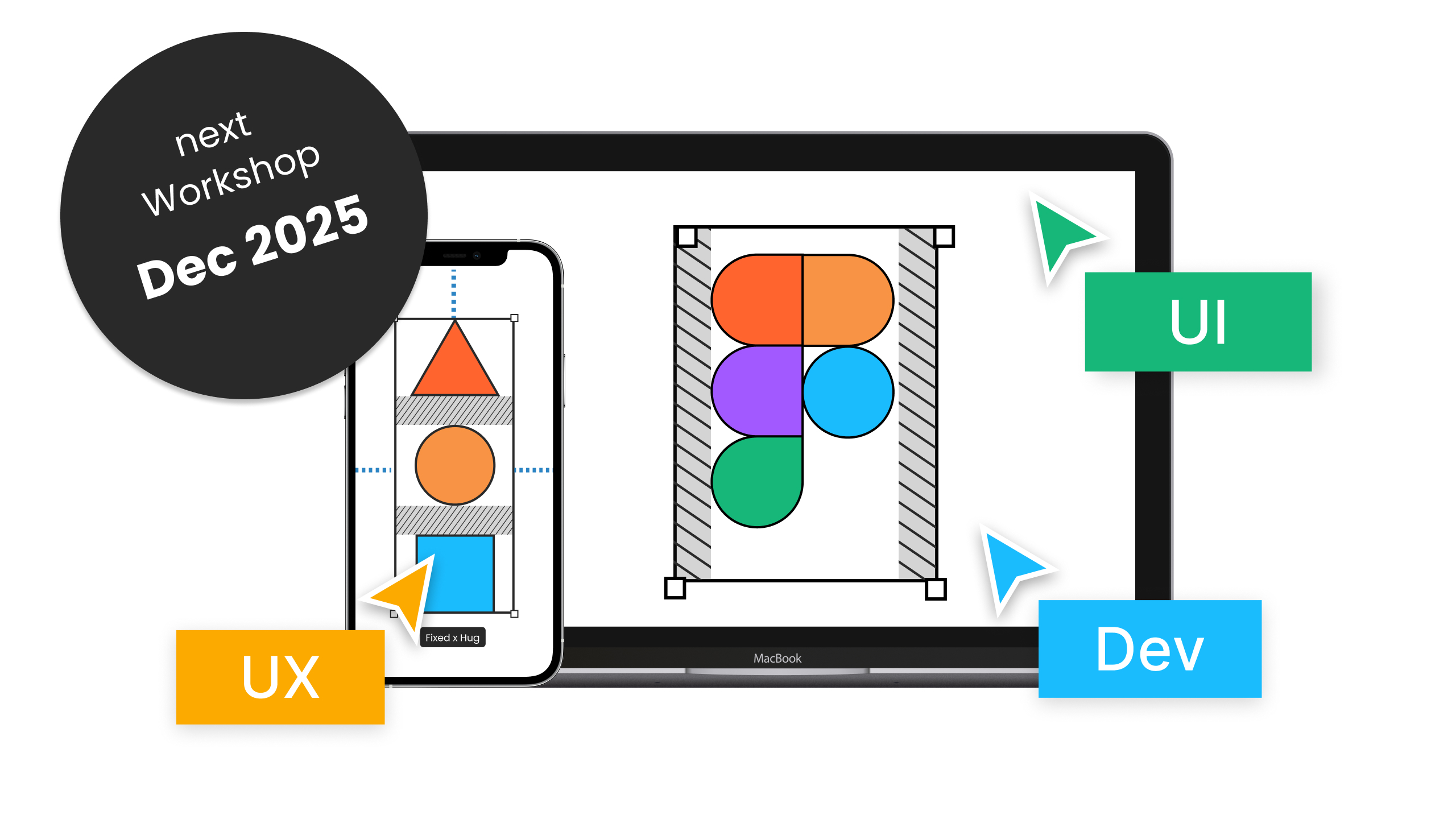
December live online workshop!
If you enjoyed this week’s Little Helpers, be sure to check out my upcoming live online workshop. It’s a 5-day, 3-hour-per-day deep dive into all the main Figma features, workflows, and plenty of tips and tricks to help you level up. There’s plenty of time for your questions, and all sessions are recorded, so you can rewatch or catch up anytime.
Moonlearning news:
Upcoming Talks & Workshops
I love to combine these trips with guest lectures, exploring new projects, or simply exchanging thoughts over coffee. So, please reach out if you’d like to connect in person.
Content Convention, November 2025
Conference Talk – Mainz, Germany 🇩🇪
Figma Masterclass by Smashing Conferences, December 2025
Figma Masterclass – Online 🖥️
Smashing Conference, April 2026
Conference Talk – Amsterdam, Netherlands 🇳🇱
DaFed Conference, May 2026
Conference Talk – Novi Sad, Serbia 🇷🇸
See all workshops and events -->
Want to learn more about Figma, UI and Building?
Get a moonlearning.io membership today and access all courses, from beginner to pro, covering Figma, UI and UX principles, and how to not only design but also build your own websites and products.

Responses