
3 min read:
If you have tried one of the design-to-code tools and come away feeling it almost worked, that is not you being bad at it. There are two layers underneath all of this, and only one of them is actually solved.
Coming up
Design Figma Files That Scale with AI FREE
Online, 10 September 2026, 30 min · Sign up now
Figma MCP Masterclass, with SmashingConf
Online, 14 September 2026, 4 hours live plus Q&A · Sign up now
From Team to System: Figma and AI Workflows FREE
Online, 17 September 2026, 30 min · Sign up now
Design with Figma, Claude and MCP: An Honest Introduction FREE
Online, 29 September 2026, 30 min · Sign up now
Build Scalable UI in Figma, Designers Ready for Agentic AI
Online, 4-week hybrid course, starts 2 October 2026 · Sign up now
See all: Video courses · Live workshops · Team training
The solved one: variables to tokens
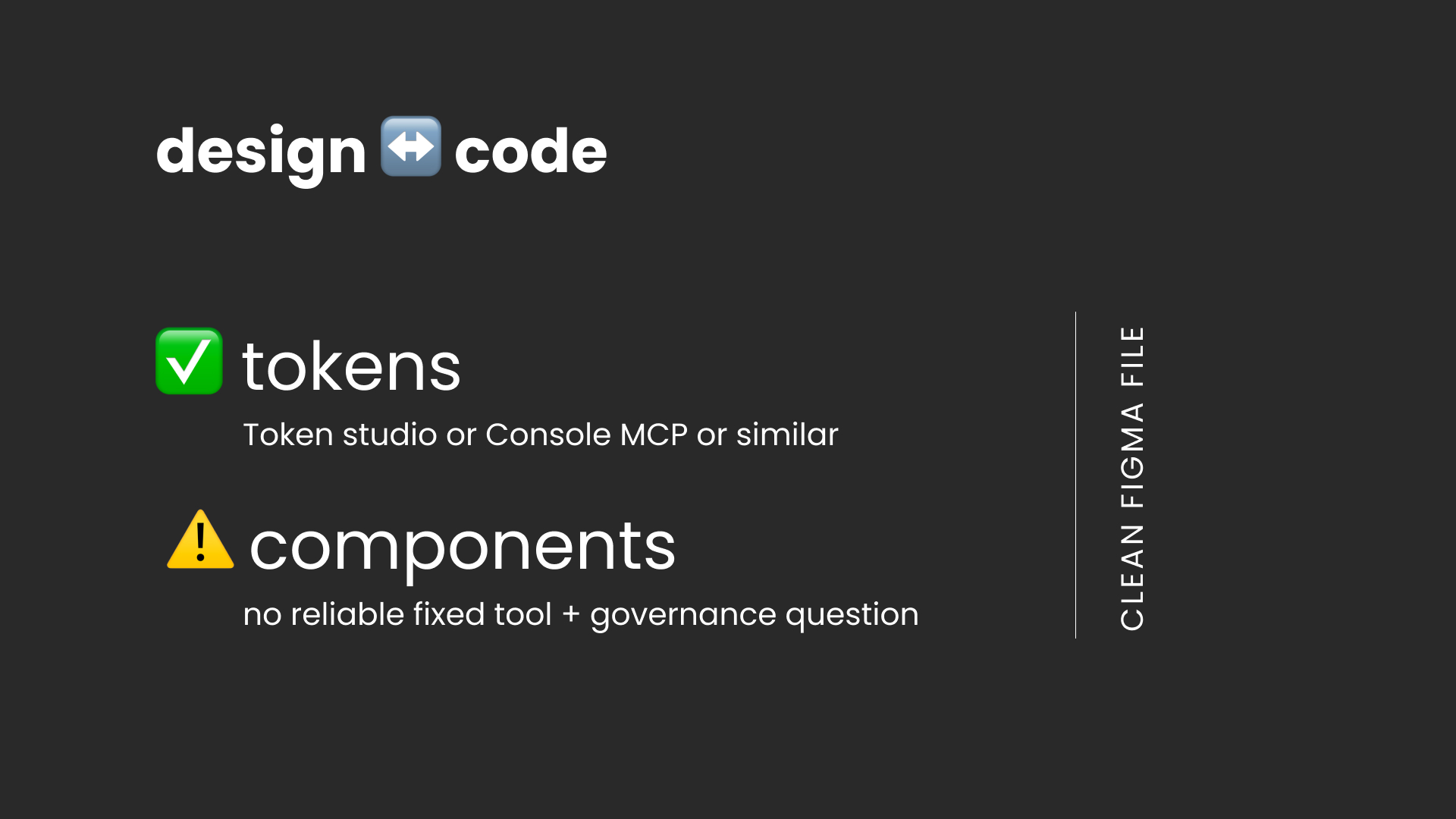
Tokens. Your colours, spacing, type sizes and radii live in a file, and that file is far less frightening than it sounds: a list of names with values beside them, sorted into groups. Tools move it in both directions, into Figma and back out again, and it is boring in the way good infrastructure is boring. Token Studio, the Console MCP, several others. This part genuinely works.
The unloved component: what to do?
Components. There is no reliable tool that keeps the structure of a component in sync between Figma and code, meaning which options it has, which states, and what is allowed inside it. And underneath the missing tool sits a harder question nobody has answered yet, which is who decides when the two disagree.
Here is what actually exists today, so you can see the shape of it.
1. Manual, meaning process and discipline. No tooling, shared ownership, ideally a developer sitting inside the design system team. It catches drift while it is still cheap to fix, and it is quite possibly still the most reliable answer.
2. Code Connect, which is Figma's own. It maps a Figma component to its counterpart in code and shows the link in Dev Mode. Maintained by hand, and it does not sync structure.
3. Storybook and dev resources. You point a Figma node at a working example. One direction only, never writing back into Figma, so it helps you see the drift rather than stop it.
4. Component contracts, which I wrote about a few weeks ago. A third file sitting between Figma and code, with both sides built from it and checked against it. Still early, and the one I would bet on.
Not one of those is finished. That is the honest state of it.
Why prose will not save you either
Designers are now being told to write markdown files. A design.md, a context file, a description on every component. Markdown is just a text file, the kind of note you could write anywhere. And markdown is prose, which gets understood rather than checked.
Write "spacing follows the 8px scale" into a design.md and the model will mostly follow it. Mostly. On the occasions it does not, there is no line in that file that can fail and nothing at the end telling you which parts it read loosely.
That is the difference between deterministic and probabilistic, and it is the most useful pair of words a designer can have right now. Set a gap to 16 and it is 16, on every screen, forever. Ask a model the same thing twice and you get two reasonable answers.
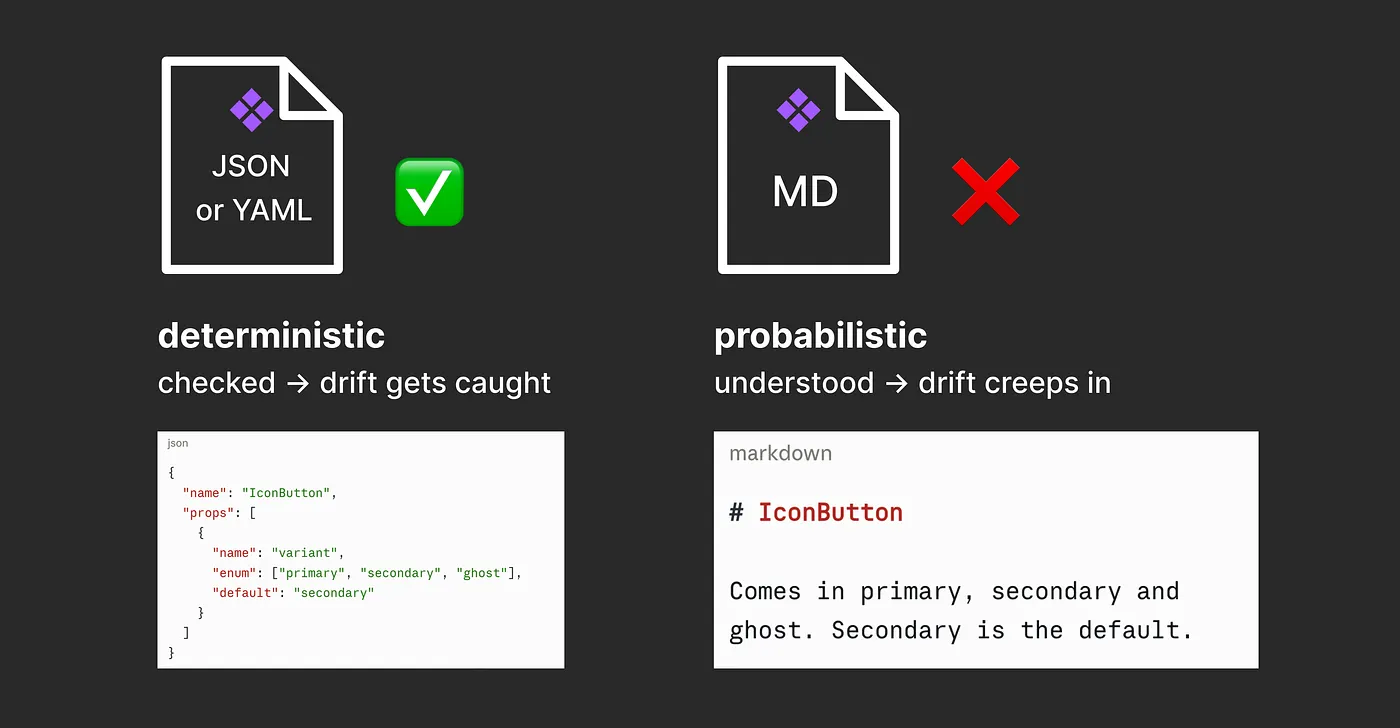
So I use markdown where roughly right is fine and I will see the output anyway, and I do not lean on it for anything that has to be exact and that nobody will check. The checkable facts belong in a form, not in a paragraph. The contract mentioned above is such a way and the reason tokens work is the same underlying thing.
What to do while the tooling catches up
Get the file clean. Every one of those four approaches works better on a file where the colours are tokens, the layers have names, and a component's options are the ones somebody actually decided on rather than the ones that accumulated.
That work pays off whichever approach ends up winning, which makes it the one safe bet on the table.
If you have picked one of the four and it is working, hit reply. I read everything.
Want to learn more?
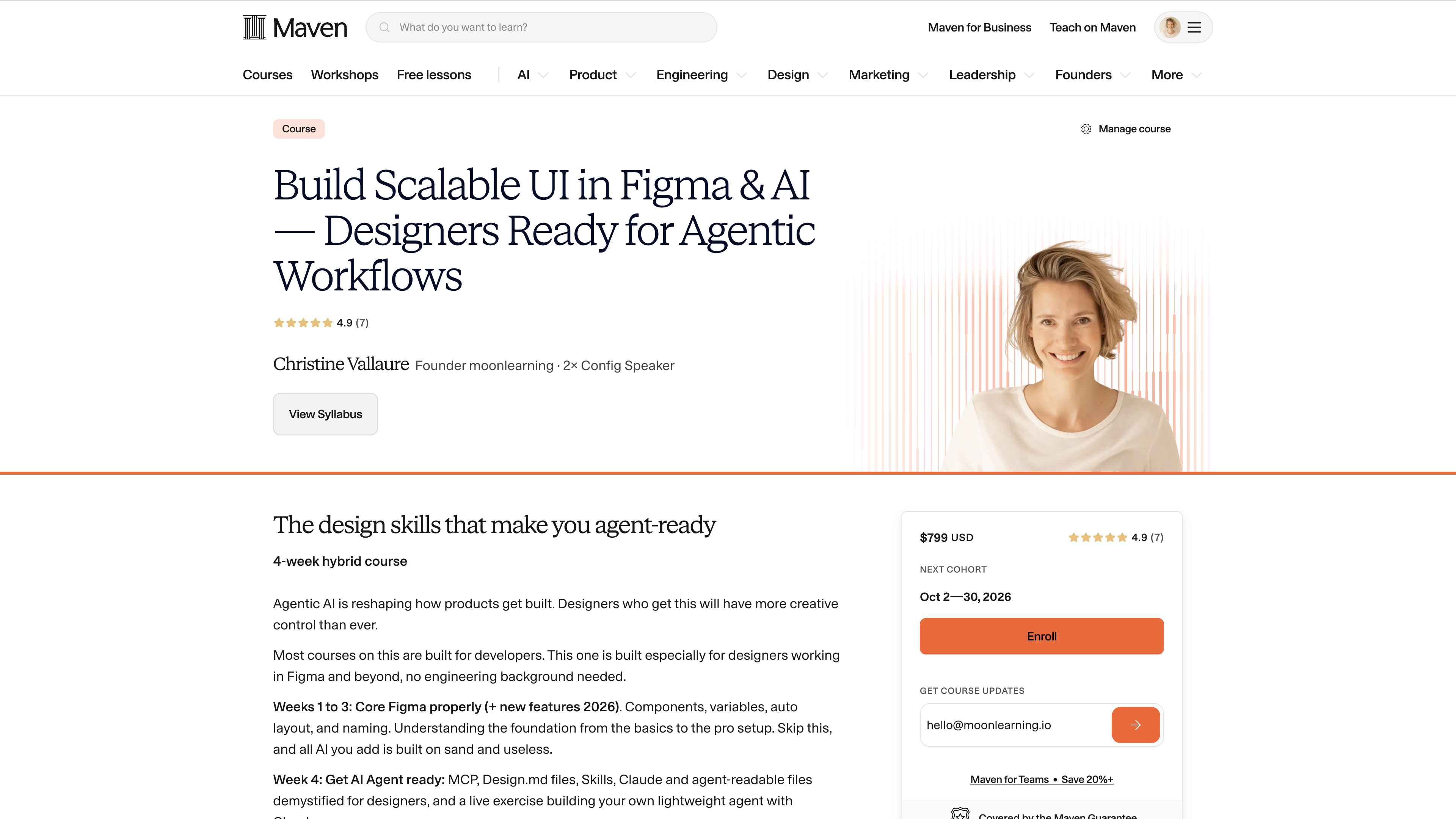
I will be running a 4-week hybrid workshop where you study on your own with video material for 3h a week, and we then meet for live, in-person sessions to go through it all. Limited places available. Sign in now and get 20% off the next 48h with code: Moon20
Not sure yet. Then just join my free 30-minute introduction session on how to set up Figma files that scale
Free Live Session: Figma Files that Scale with AI
I will also be running a free 30-minute intro session on how to scale your Figma files, what works and what does not on the 10th of September. Come by and say hi! If you cannot make it, you will get a recording.
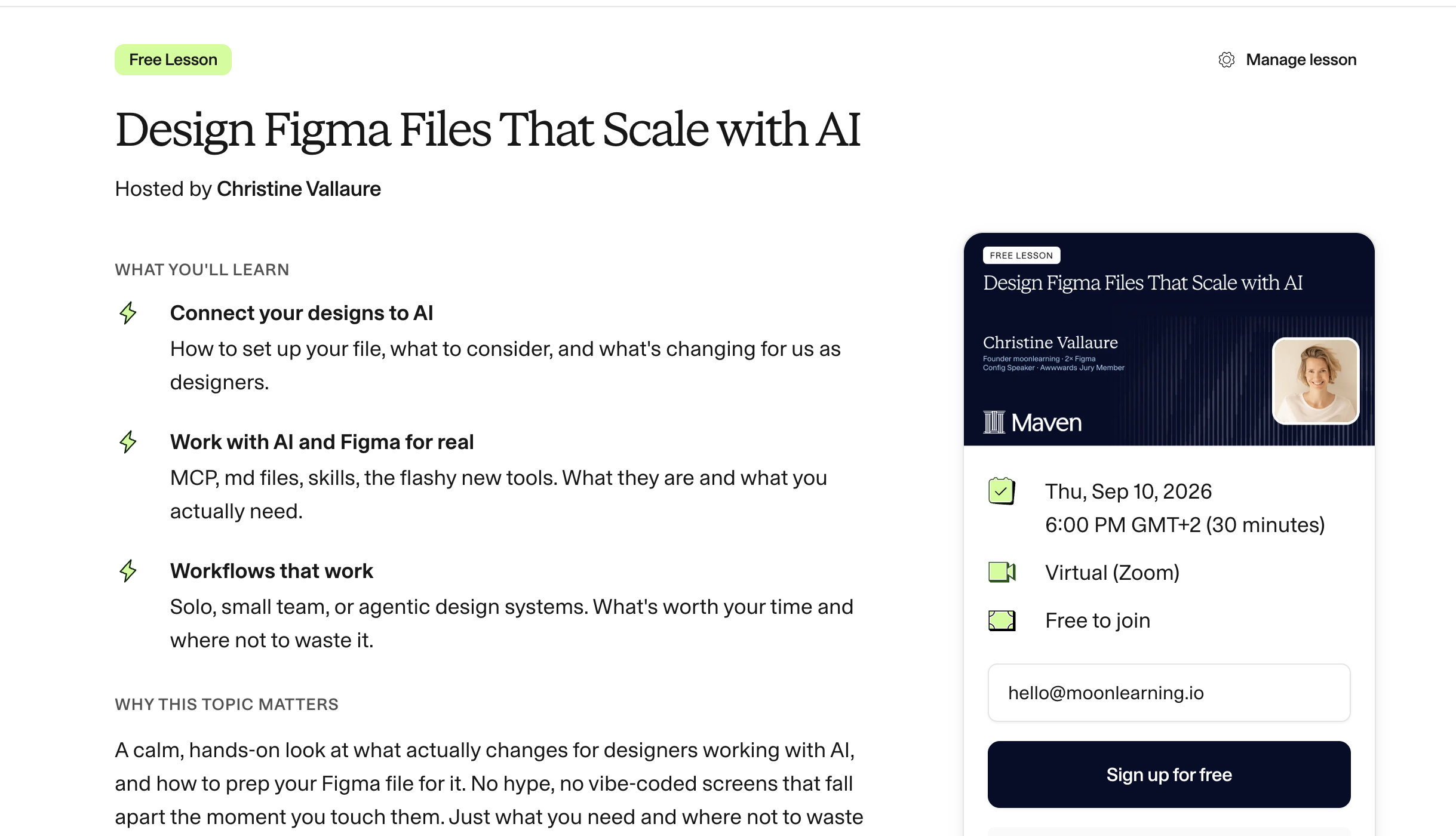
Sign up for free intro session "Design Files that Scale" here
Actionable Figma and AI training for designers, individuals and teams.
Most designs break between idea and build. I teach the thinking, the tools, and the technicalities beneath the surface, plus which AI workflows earn their place. Figma Handoff to AI Agents (1.5 hours) goes through exactly this at your own pace.
See all video courses -->
See all live workshops -->
Team training -->

Video courses · Live workshops · Team training
The Solo, my book · LinkedIn · Past issues
You are getting this because you signed up at moonlearning.io.

Responses