
3 min read
An agent reading your Figma file over MCP sees more than most designers assume, and misses things nobody warns you about. I read my own files to find where the line runs.
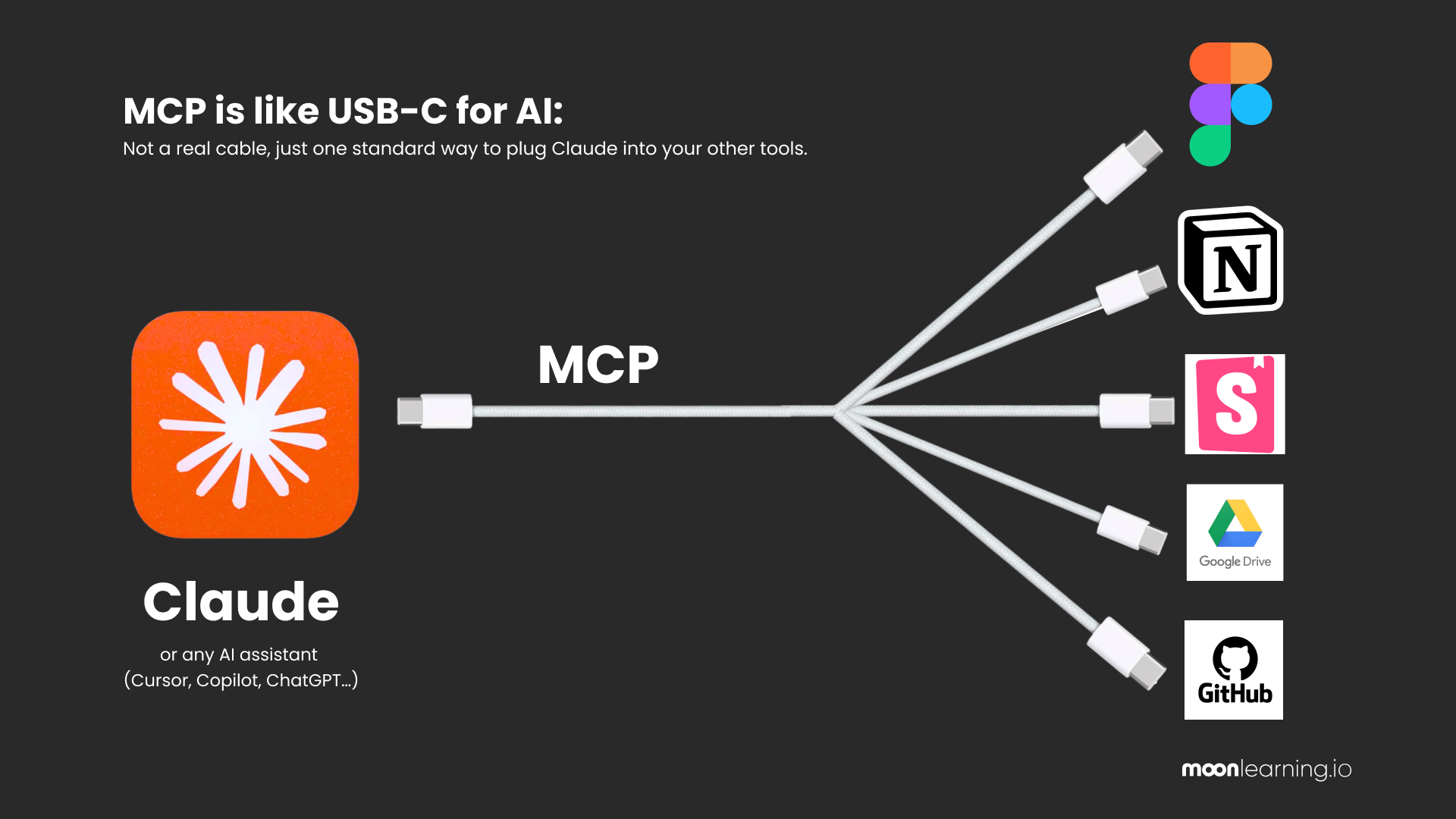
First, what MCP actually is, because the name makes it sound far bigger than it is. Think of it as a USB-C cable. Before USB-C every device came with its own plug, nothing fitted anything else, and someone had to build an adapter for every pair. MCP is the one connector that lets a tool like Claude plug straight into Figma, or into your files, or into a database, without a special adapter each time. It is a cable and not a brain, and what comes down it is only what your file actually contains.
Coming up
Design Figma Files That Scale with AI TODAY! FREE
Online, 10 September 2026, 18:00 CEST, 30 min · Sign up now
Recorded, if that time does not suit you.
Figma MCP Masterclass, with SmashingConf
Online, 14 September 2026, 4 hours live plus Q&A · Sign up now
From Team to System: Figma and AI Workflows FREE
Online, 17 September 2026, 30 min · Sign up now
Design with Figma, Claude and MCP: An Honest Introduction FREE
Online, 29 September 2026, 30 min · Sign up now
Build Scalable UI in Figma, Designers Ready for Agentic AI
Online, 4-week hybrid course, starts 2 October 2026 · Sign up now
See all: Video courses · Live workshops · Team training
What comes through MCP
✓ Variables: names, values, every mode, aliases, scopes and descriptions
✓ Text styles, with each bound value arriving as its variable name rather than as a number
✓ Component structure: variant axes, property names and values, the whole layer tree
✓ Auto layout: direction, padding, gap, radius, alignment, fixed, hug or fill
✓ Whether a fill is bound to a variable or typed in by hand
✓ Descriptions on components, styles and variables, word for word
✓ Annotations, if you use Figma's own annotation tool rather than a text layer
What does not
✕ Units. Not one value carries one. A size arrives as 48, and a letter spacing of minus two per cent arrives as -2, which read as pixels is a different design
✕ A line height left on AUTO. Mine came back as the number 100, sitting next to siblings that read 1.2 and 1.45. A unitless line height in CSS is a multiplier, so that is 1,600 pixels of leading on 16px text. Valid CSS. Nothing flagged it
✕ Responsive intent beyond basic flexbox and CSS grid. There are no breakpoints and no container queries in a Figma file
✕ Semantics. A stack is never a nav, a list or a table
✕ Which combinations you chose and which the dropdowns produced by themselves
✕ Anything that exists only visually. A swatch with no variable attached is a rectangle
✕ Sticky notes, comments, and text typed onto the canvas beside a frame
What you set up in Figma
So your job is to know how to handle all of this in Figma inside and out:
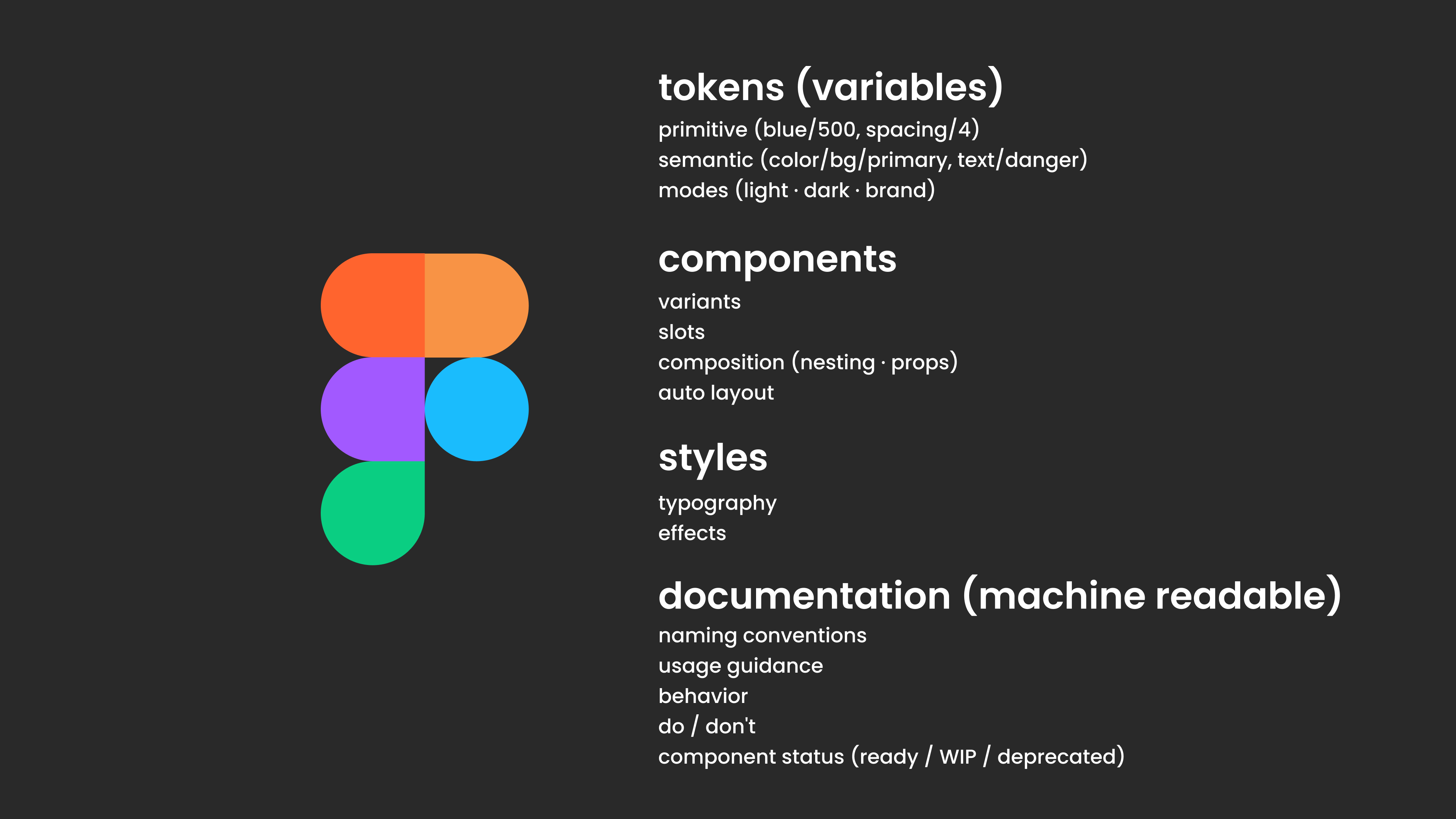
Tokens/Variables. Two layers, primitives hidden from publishing and scoped out of the pickers, semantics published and scoped to the job they do. Modes named so the range is in the name, lg (>1280) rather than Mode 1. Every fill bound, no raw hex anywhere.
Components. Variants only for what genuinely changes structure. Properties for content and presence, so a boolean to show something, a text property for the label, an instance swap for which icon sits there. Slots for the areas that vary freely, so nobody has to guess every arrangement in advance. Auto layout on every container.
Styles. Typography built from those variables and nothing left on AUTO. Effects named for the job they do rather than for how they look.
Documentation. Naming conventions agreed with your developer once. Usage guidance and the do not in the description fields. Behaviour written down, because it is not in the file anywhere. And the status of each component, ready, work in progress or deprecated.
None of that is new craft. It is what design systems people have been saying for a decade, except now something reads it back to you.
Sounds all a bit overwhelming, no worries I got you, jump into the free session tonight to get a better file hygene:
Free Live Session: Figma Files that Scale with AI. TODAY SEPT !!!
I will also be running a free 30-minute intro session on how to scale your Figma files, what works and what does not on the 10th of September. Come by and say hi! If you cannot make it, you will get a recording.
Actionable Figma and AI training for designers, individuals and teams.
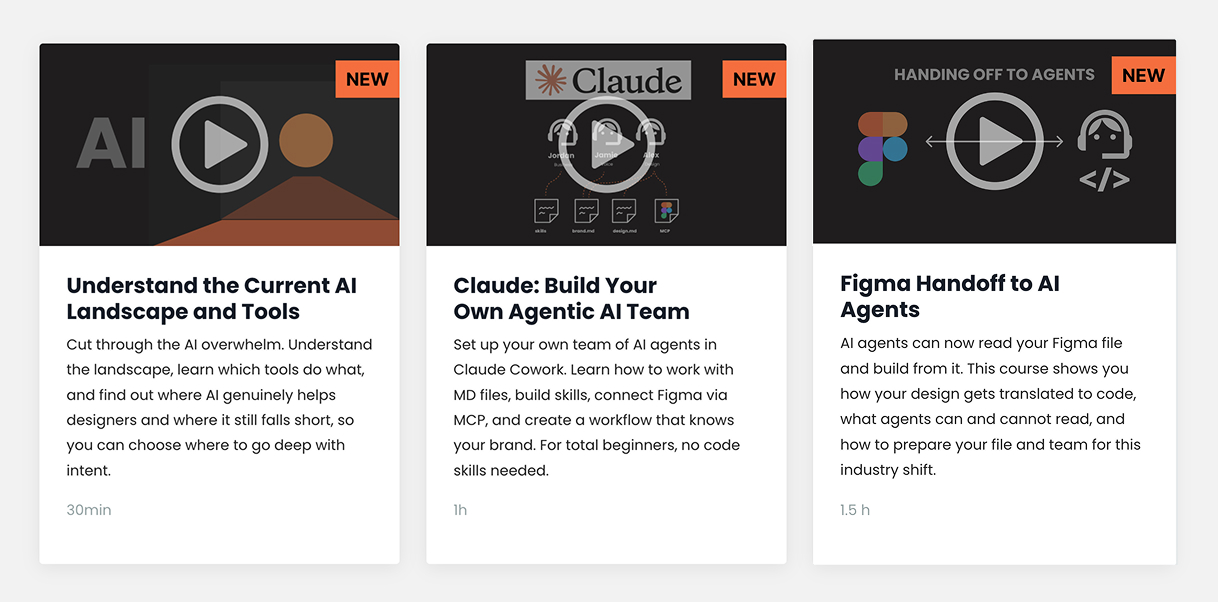
Most designs break between idea and build. I teach the thinking, the tools, and the technicalities beneath the surface, plus which AI workflows earn their place. Figma Handoff to AI Agents (1.5 hours) goes through exactly this at your own pace.
See all video courses -->
See all live workshops -->
Team training -->
Video courses · Live workshops · Team training
The Solo, my book · LinkedIn · Past issues
You are getting this because you signed up at moonlearning.io.

Responses