
3 min read
I have a confession that does not go down well on LinkedIn right now. I can prototype in code with my real design system components, I enjoy it, and I still want to be on a canvas most of the time, because I like moving a block, looking at it, and putting three ideas next to each other.
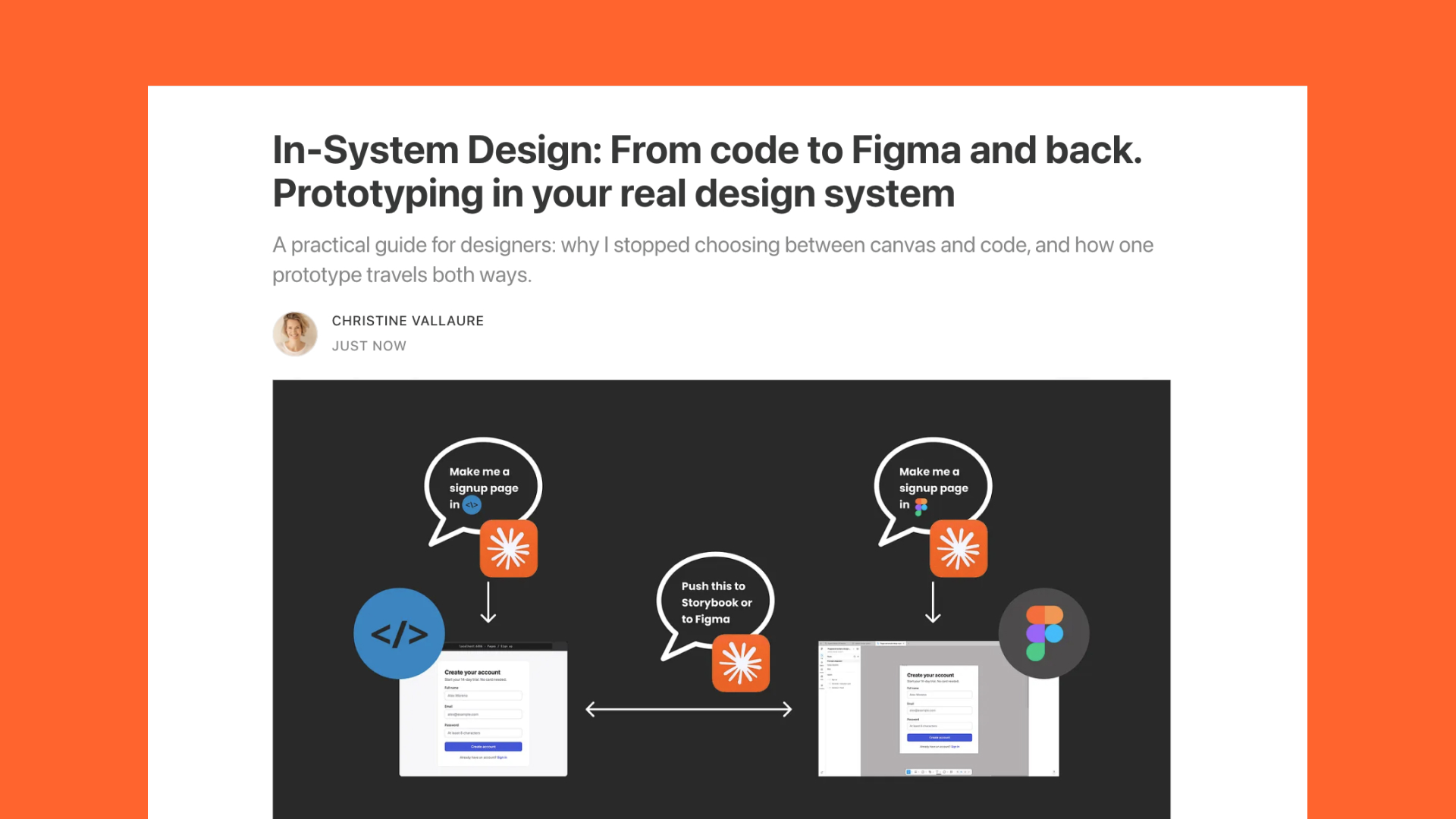
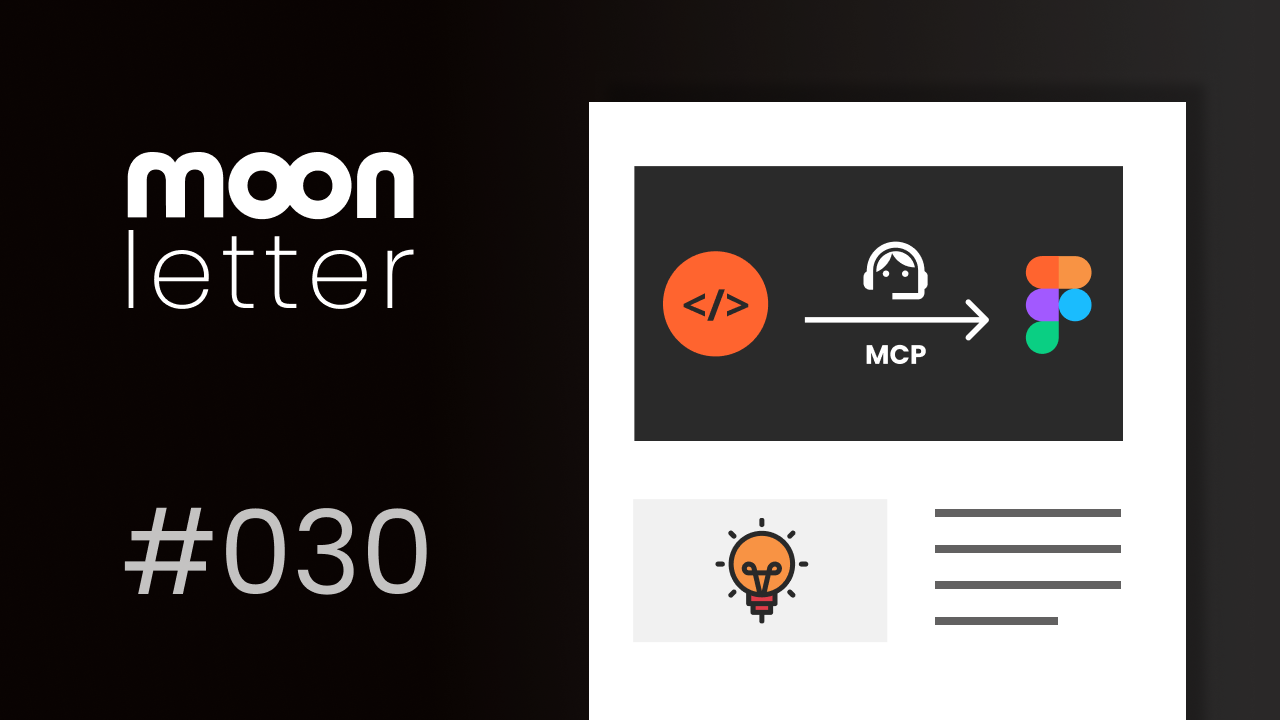
The good news is that I no longer have to choose. A screen I prototype in code now goes to Figma as real library components, I pull it apart on the canvas, and it goes back to code without anyone redrawing a thing. That is part three of the series: In-System Design, from code to Figma and back.
Coming up
AI-Ready Design Systems: What Changes for UI and UX FREE
Online, 12 November 2026, 15:30 CET, 45 min, with Vitaly Friedman joining at the end · Sign up now
AI-Ready Design Systems For Designers, Smashing Workshop
Online, 30 November, 2 and 4 December 2026, 18:00 to 20:30 CET, three live sessions with Q&A, recordings included · Sign up now
AI 2027 Online AI Conference, with Smashing
Online, 1 December 2026, 17:00 to 21:00 CET, €50, with Vitaly Friedman, TJ Pitre, Brad Frost and me · Sign up now
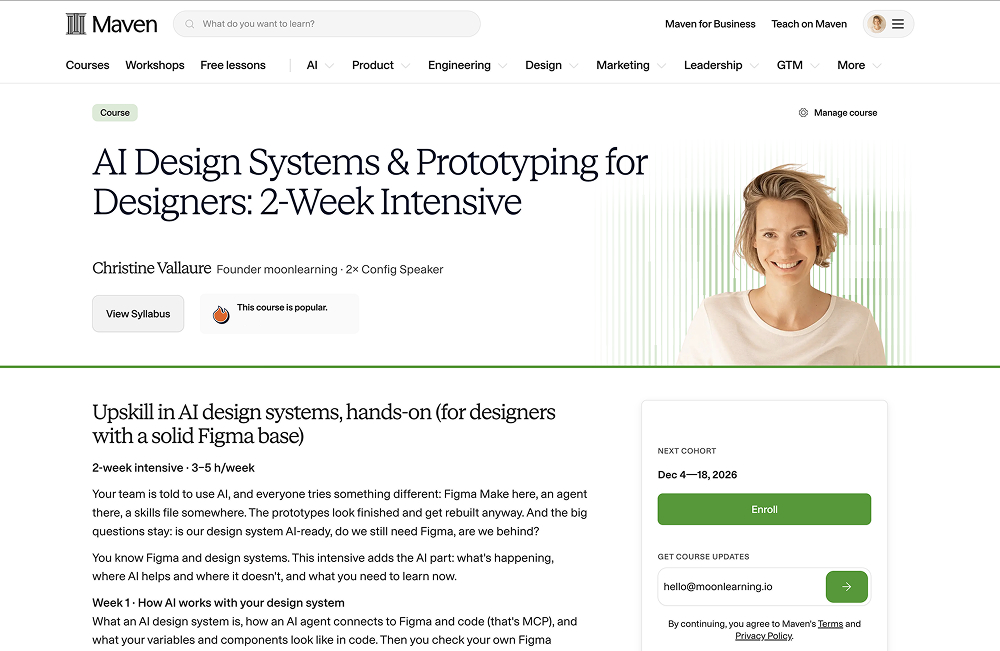
AI Design Systems & Prototyping for Designers: 2-Week Intensive NEW
Online, 2-week hybrid course, 4 to 18 December 2026 · Sign up now
Build Scalable UI in Figma & AI: Design Systems Agents Can Actually Use
Online, 4-week hybrid course, 18 January to 15 February 2027, limited to 25 seats · Sign up now
See all: Video courses · Live workshops · Team training
Start wherever the question is
Think of the AI as a hub in the middle, with code on one side and Figma on the other. As long as both sides use the same component names and properties, it does not matter where you begin, you just tell it where to build. The article walks through the two ways I work with this, step by step, with the prompts I actually use.
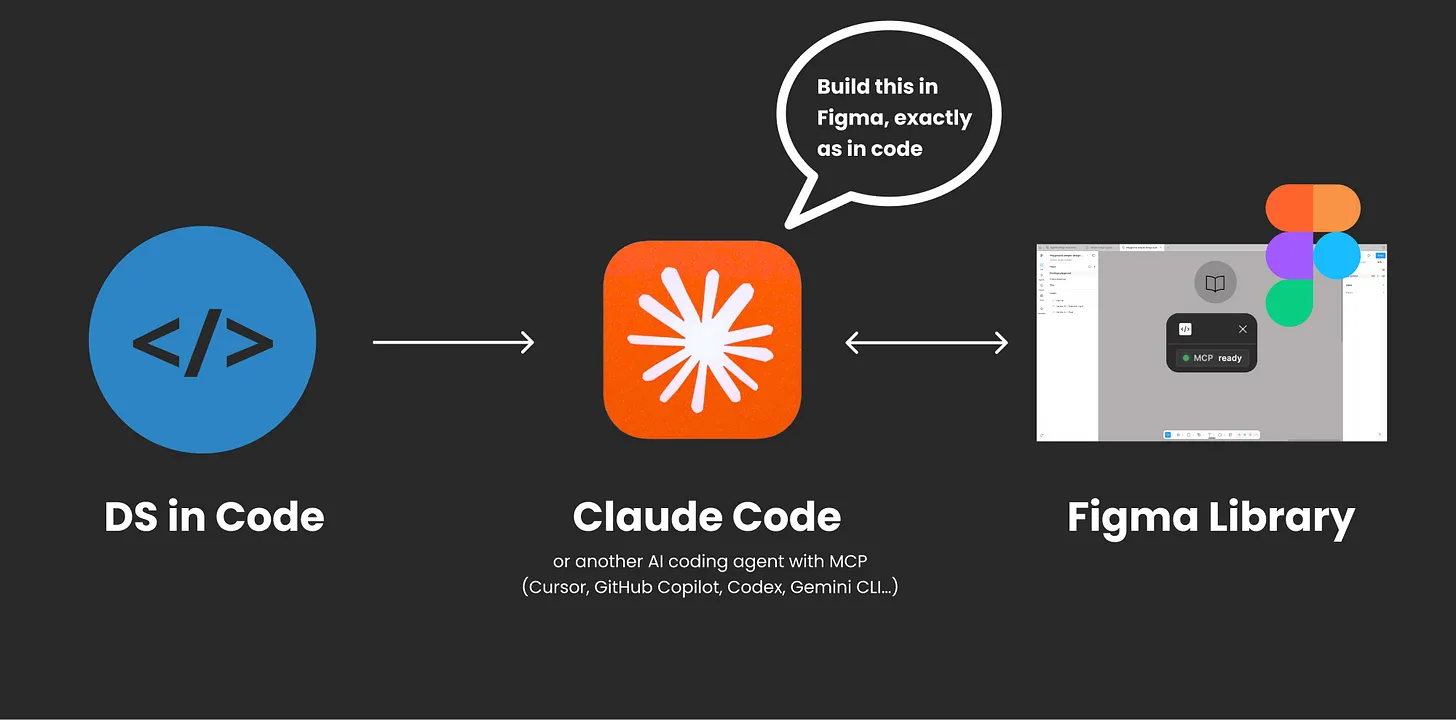
From code to Figma and back. I prototype a screen in code (I use Storybook, very beginner-friendly) with real components, then ask the AI to rebuild it in Figma with my library. On the canvas, I change text, move things, put three versions next to each other and talk it through with the team. Then it goes back to code, and anything that is not a real library component gets listed instead of quietly rebuilt.
Only Figma, no code setup yet. No design branch or Storybook MCP? That is most teams right now. You can still prototype directly in Figma with AI and your published library, and hand over something a developer reads as real components, not vibe-coded chaos.
What it does not replace
The handoff is still real. The design branch is a playground, never merged, and a developer still rebuilds the accepted parts properly with real data, states, tests and accessibility. The difference is that nobody has to reverse-engineer a picture anymore. The article ends with the three things I would ask my team for, out loud, in a meeting, and an honest list of what this does not solve yet.
None of this is an established workflow, mine included. But the question I find more useful than "should designers move into code" is whether the screen in front of you is made of your system. For the full step-by-step workflow, see the full article.
Black Friday deals:
Black Friday month · 4 to 18 December · for designers with a solid Figma base
Already know Figma and design systems, and only want to upskill the AI part hands-on?
AI Design Systems & Prototyping for Designers is a two-week intensive with short videos and live sessions with me, and it runs through exactly the workflow from these last issues, hands-on.
You connect Figma and code with MCP, give an agent the context and skills it needs, check whether your own library is AI-ready, and build a Figma library from code (yes, code to Figma, not the other way around anymore). Then you learn how contracts keep both sides in sync, and you prototype with real components instead of lookalikes. I'll provide a sample codebase and guide you through it the designer's way to Figma and back.
You will not write code, but you will get comfortable reading it, and I will tell you which parts of this work today and which do not yet. AI moves fast, so the content may shift a little as new features land. Lifetime access, and lots of hands-on.
It's Black Friday month: all through November, moonlearning subscribers get 30% off with the code MOONFAMILY. If you would rather have the full show- Figma and design system basics with the AI on top- the four-week course starts on 18 January with 25 seats, and the code MOONFIGMA gives you the same 30%.
Actionable Figma and AI training for designers, individuals and teams.
Most designs break between idea and build. I teach the thinking, the tools, and the technicalities beneath the surface, plus which AI workflows earn their place. Please note: the pre-recorded online library doesn't currently include the latest AI topics; it will be updated with Figma and AI basics. All the current stuff is too fast and will be an add-on from the live cohorts. Feedback welcome.
See all video courses -->
See all live workshops -->
Team training -->
Video courses · Live workshops · Team training
The Solo, my book · LinkedIn · Past issues
You are getting this because you signed up at moonlearning.io.

Responses