
3 min read
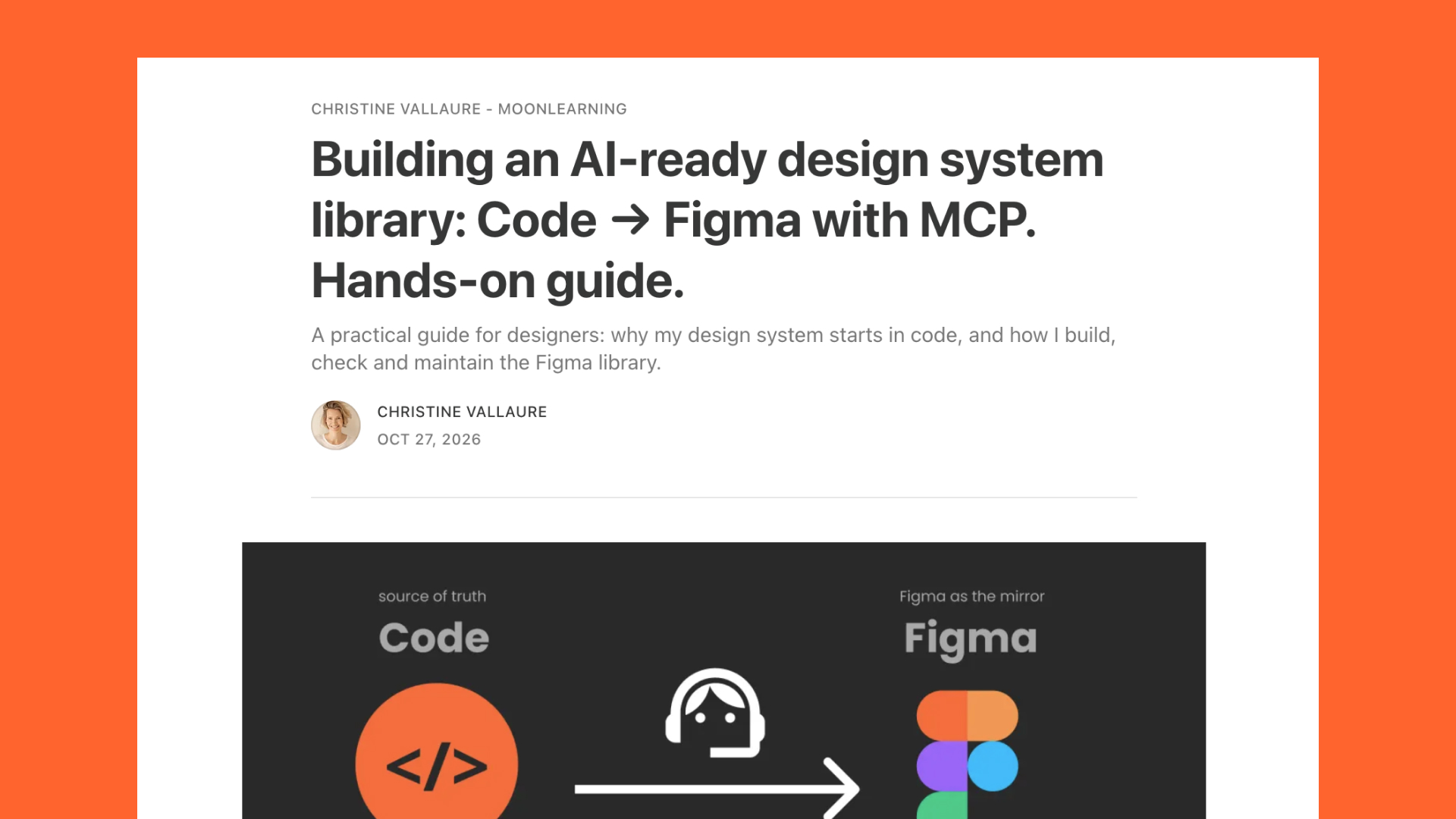
For most of my career the work went one way: I designed in Figma, a developer turned it into code, and when something did not survive the trip we sorted it out between us. Then I handed that same route to an AI, and what came back was unsettling mainly because it looked fine.
It read my file literally, as a complete instruction, and invented everything the file could not say, from focus order and error states to what a screen reader announces and what happens when a list comes back empty. So I turned the arrow around, and I finally wrote the long version: Building an AI-ready design system: Code → Figma with MCP.
Coming up
AI-Ready Design Systems: What Changes for UI and UX FREE
Online, 12 November 2026, 15:30 CET, 45 min, with Vitaly Friedman joining at the end · Sign up now
AI 2027 Online AI Conference, with Smashing
Online, 1 December 2026, 17:00 to 21:00 CET, €50, with Vitaly Friedman, TJ Pitre, Brad Frost and me · Sign up now
AI Design Systems & Prototyping for Designers: 2-Week Intensive NEW
Online, 2-week hybrid course, 4 to 18 December 2026 · Sign up now
Build Scalable UI in Figma & AI: Design Systems Agents Can Actually Use
Online, 4-week hybrid course, 18 January to 15 February 2027, limited to 25 seats · Sign up now
See all: Video courses · Live workshops · Team training
Why Figma to code with AI goes wrong
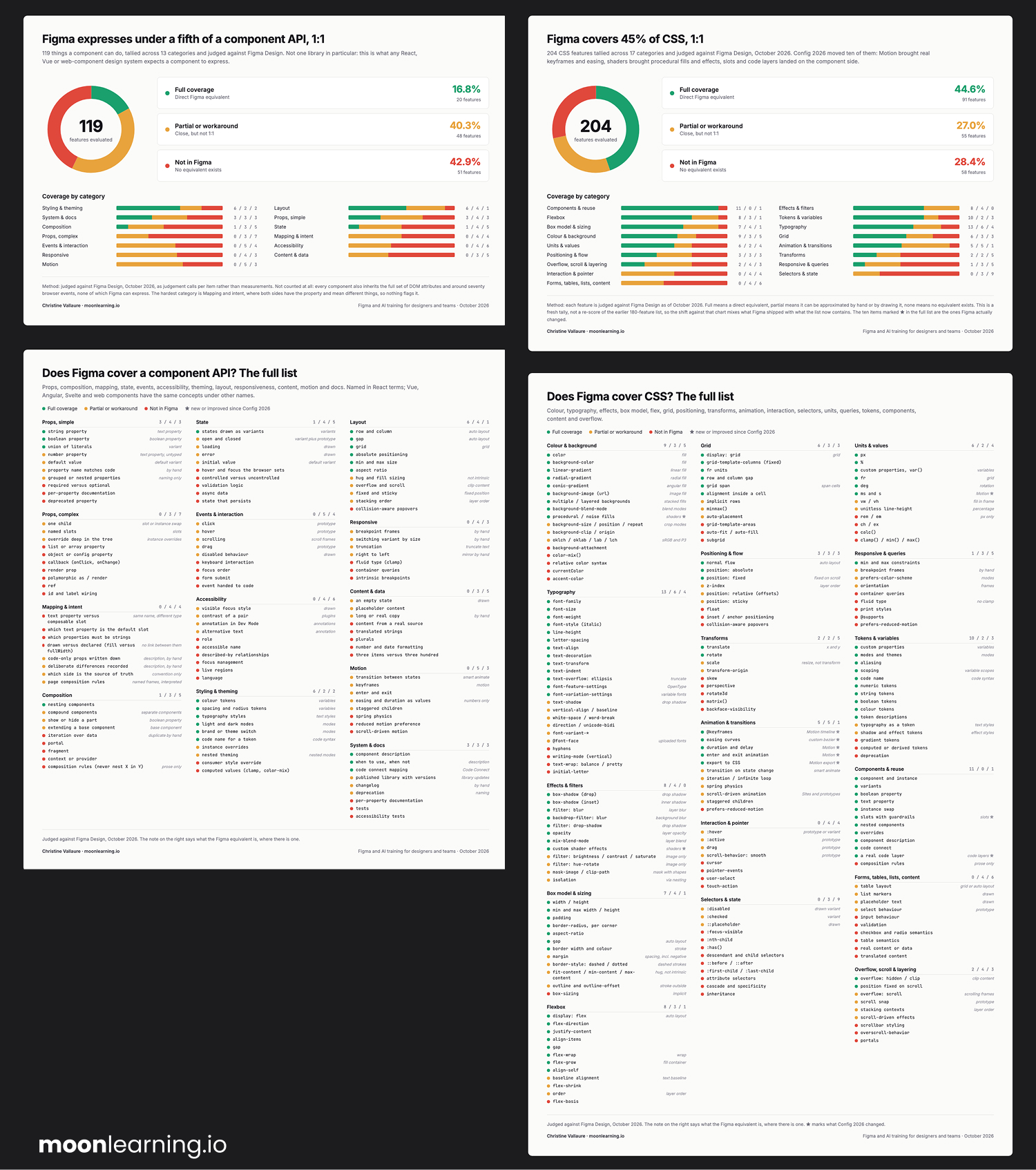
A Figma file was always meant to be an abstraction. When I compared what a React component can express with what a Figma component can, I came out at roughly 17% coverage, and around 45% for CSS. That is my own count, not an official number, but the gap is real, and it used to be filled by a developer who could walk over and ask. An AI does not ask, it fills the gap with whatever it has seen most often and carries on.
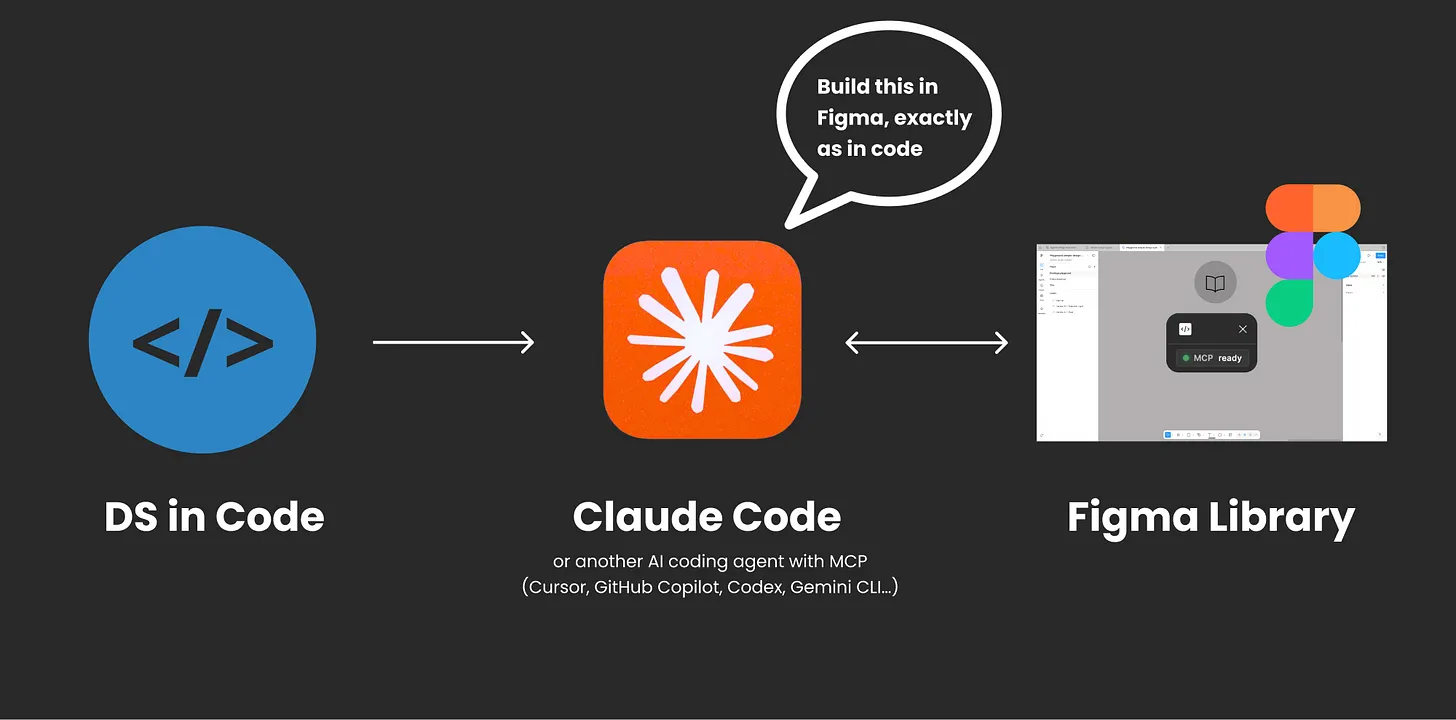
Turn the direction around and that same literal reading becomes useful, because now it reads the real thing: real props, real values, real defaults. Code is the source of truth, my Figma library is generated from it, and Figma is a mirror rather than a second truth. My Figma file did not get quieter because of it, it got busier.
The steps, short version
What you need is a design system in code you can access, ideally with Storybook running on it, an empty Figma file, and the Figma Console MCP by Southleft. MCP is the plug that lets an AI read from and act in a tool like Figma.
- Get access to the code: a design branch, a sandbox, or a zip of a sample system.
- Open Storybook and look at the real components. As a designer, it is gold.
- Open an empty Figma file and connect the Console MCP.
- Tokens and text styles first, with the same names as the code, aliased and scoped.
- Two components as a test, Button and something awkward, before the whole library.
- Ask for a GAPS.md every single time (more on that in two weeks).
- Turn the repetition into a skill.
- Add a parity check on top, or a contract together with your dev team.
The article has the prompts I actually use for each step, and the reasons behind the order.
What it does not solve yet
Generating the library once is the easy part. Keeping it true as the code changes week after week is the open problem, in my setup and in the industry generally. My parity check (I also run through this in the article in more depth) compares two JSON lists, one from Storybook and one from Figma, with no AI in the comparison, but I still trigger it by hand, and it only checks the structure, not how things look. Figma's new Code Sources look promising and are still in closed beta, so if you feel behind on this, you are not.
You will not be writing production code. You will have to read and understand some of it, and right now that is worth more than another tool.
The article also covers why I still use Figma at all (the question I get in every workshop), what happens with more than one codebase, and the many parts that still need babysitting. It is a 20 minute read, so maybe one for the weekend. If you try any of it, hit reply; I read everything.
New · 4 to 18 December · for designers with a solid Figma base
Already know Figma and design systems, and only want to upskill the AI part hands-on?
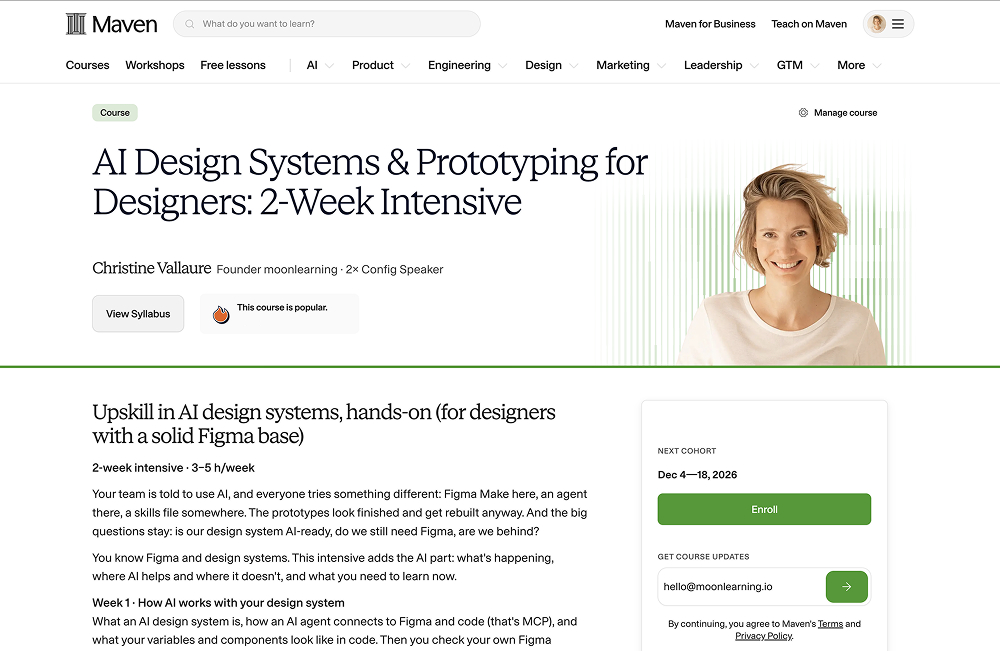
AI Design Systems & Prototyping for Designers is a two-week intensive with short videos and live sessions with me, and it runs through exactly the workflow from these last issues, hands-on.
You connect Figma and code with MCP, give an agent the context and skills it needs, check whether your own library is AI-ready, and build a Figma library from code (yes, code to Figma, not the other way around anymore). Then you learn how contracts keep both sides in sync, and you prototype with real components instead of lookalikes. I'll provide a sample codebase and guide you through it the designer's way to Figma and back.
You will not write code, but you will get comfortable reading it, and I will tell you which parts of this work today and which do not yet. AI moves fast, so the content may shift a little as new features land. Lifetime access, and lots of hands-on.
As a moonlearning subscriber, you get 30% off with the code MOONFAMILY. If you would rather have the full show- Figma and design system basics with the AI on top- the four-week course starts on 18 January with 25 seats, and the code MOONFIGMA gives you the same 30%.
Actionable Figma and AI training for designers, individuals and teams.
Most designs break between idea and build. I teach the thinking, the tools, and the technicalities beneath the surface, plus which AI workflows earn their place. Please note: the pre-recorded online library doesn't currently include the latest AI topics; it will be updated with Figma and AI basics. All the current stuff is too fast and will be an add-on from the live cohorts. Feedback welcome.
See all video courses -->
See all live workshops -->
Team training -->

Video courses · Live workshops · Team training
The Solo, my book · LinkedIn · Past issues
You are getting this because you signed up at moonlearning.io.

Responses