
3 min read
Prototyping in code is what designers do now, at least according to LinkedIn. I tried it, and after two days I wanted to throw my laptop into the sea. But stay with me, because in the end I came out of it with a process I actually like and that works, and I wrote it all down: AI prototyping inside your design system.
It started with every team I worked with turning up with the same story. They had connected their design system to an AI builder, described a screen and got back something that looked finished. Leadership loved it, then a developer opened the code, said something unrepeatable, and rebuilt it from scratch with the actual design system.
Coming up
AI-Ready Design Systems: What Changes for UI and UX FREE
Online, 12 November 2026, 15:30 CET, 45 min, with Vitaly Friedman joining at the end · Sign up now
AI 2027 Online AI Conference, with Smashing
Online, 1 December 2026, 17:00 to 21:00 CET, €50, with Vitaly Friedman, TJ Pitre, Brad Frost and me · Sign up now
AI Design Systems & Prototyping for Designers: 2-Week Intensive NEW
Online, 2-week hybrid course, 4 to 18 December 2026 · Sign up now
Build Scalable UI in Figma & AI: Design Systems Agents Can Actually Use
Online, 4-week hybrid course, 18 January to 15 February 2027, limited to 25 seats · Sign up now
See all: Video courses · Live workshops · Team training
Why the builder hands you a lookalike
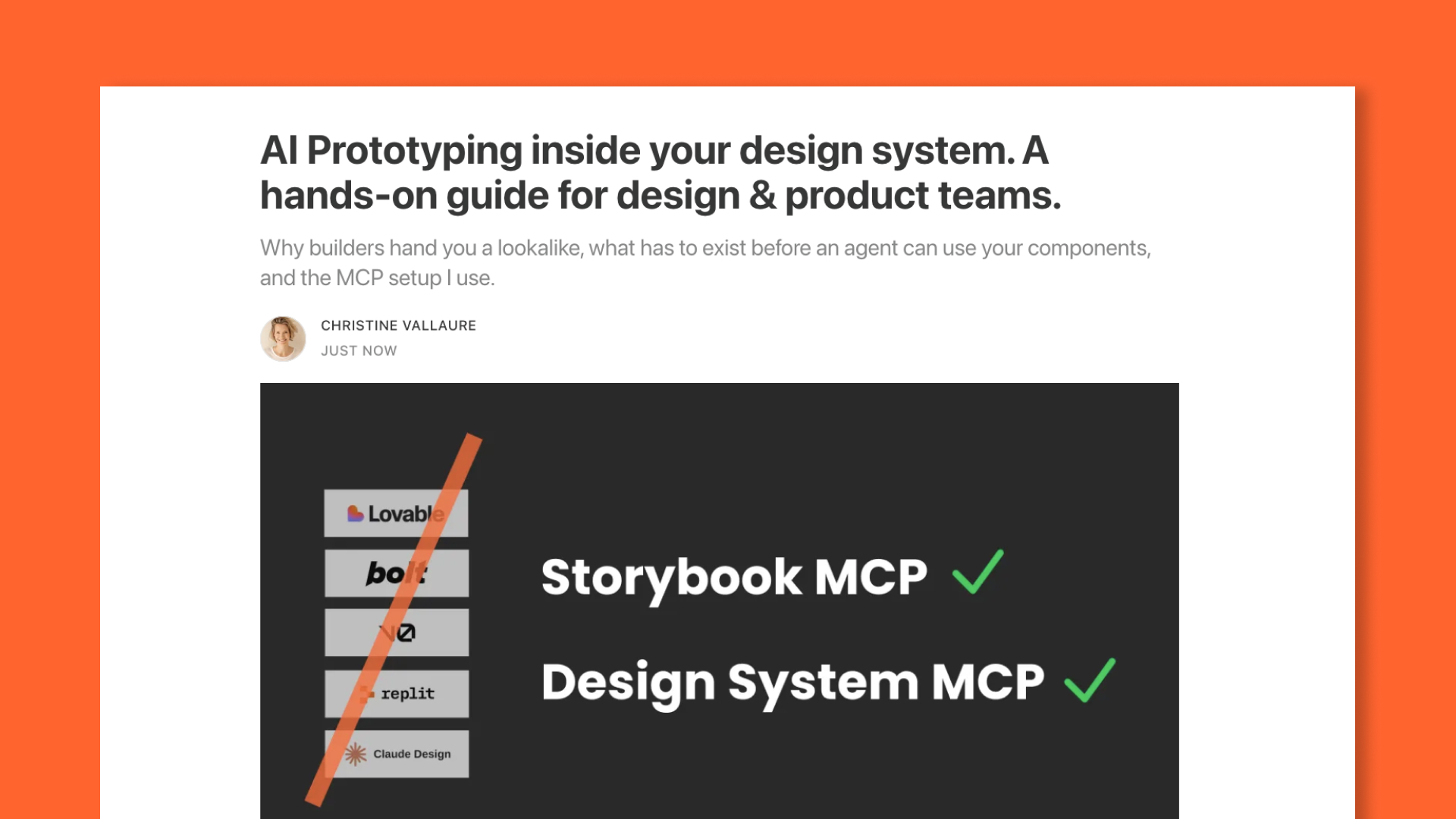
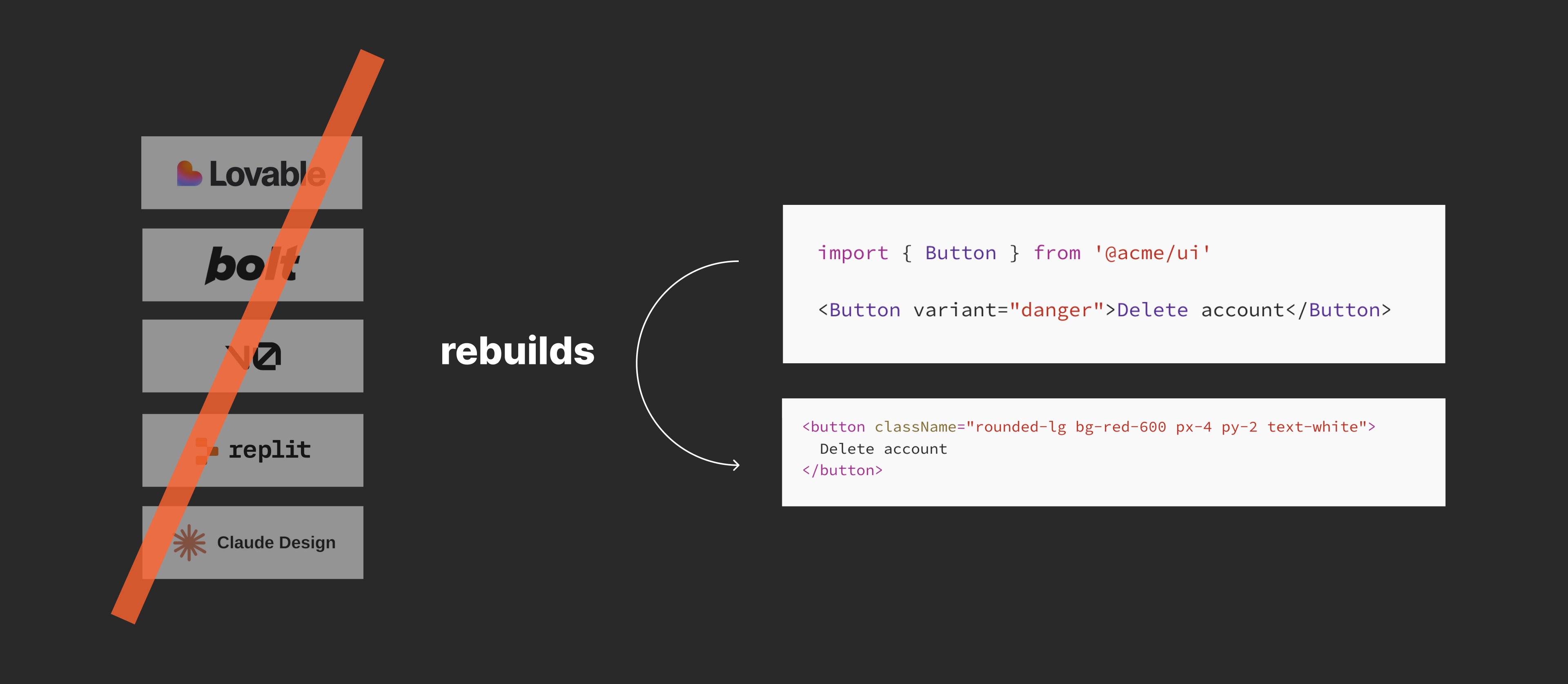
The Lovables, Bolts and Claude Designs of this world all have a little button that says connect your design system. They do read it, and then they build their own version of it, usually on shadcn and Tailwind. The first screen looks close, but the more you prompt, the more it invents, and nothing that comes out points at your real components.
I gave Claude Design my own repo to check, and to be fair it did better than I expected: every prop, value and default came back right, with every token name intact. But Base UI had been dropped for its own helpers and the types were gone, and its own handover note says it plainly, "This is a recreation for design and prototyping." A very good copy, frozen the day it was made, that a developer cannot merge.
You can check any builder yourself after it has generated a screen:
Show me the code for the primary button on this screen. Which file is that component imported from, and which props did you set? Do not change anything. Compare it to my original design system button and show me similarities or differences.
What has to exist first
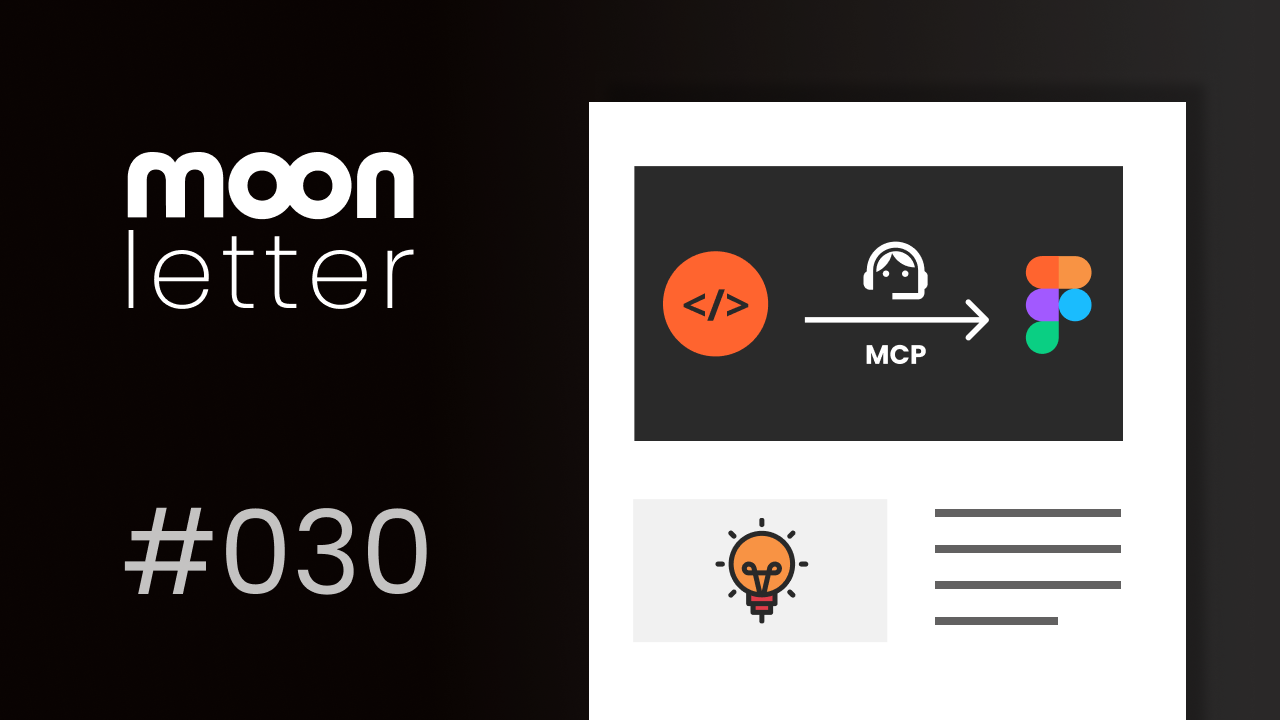
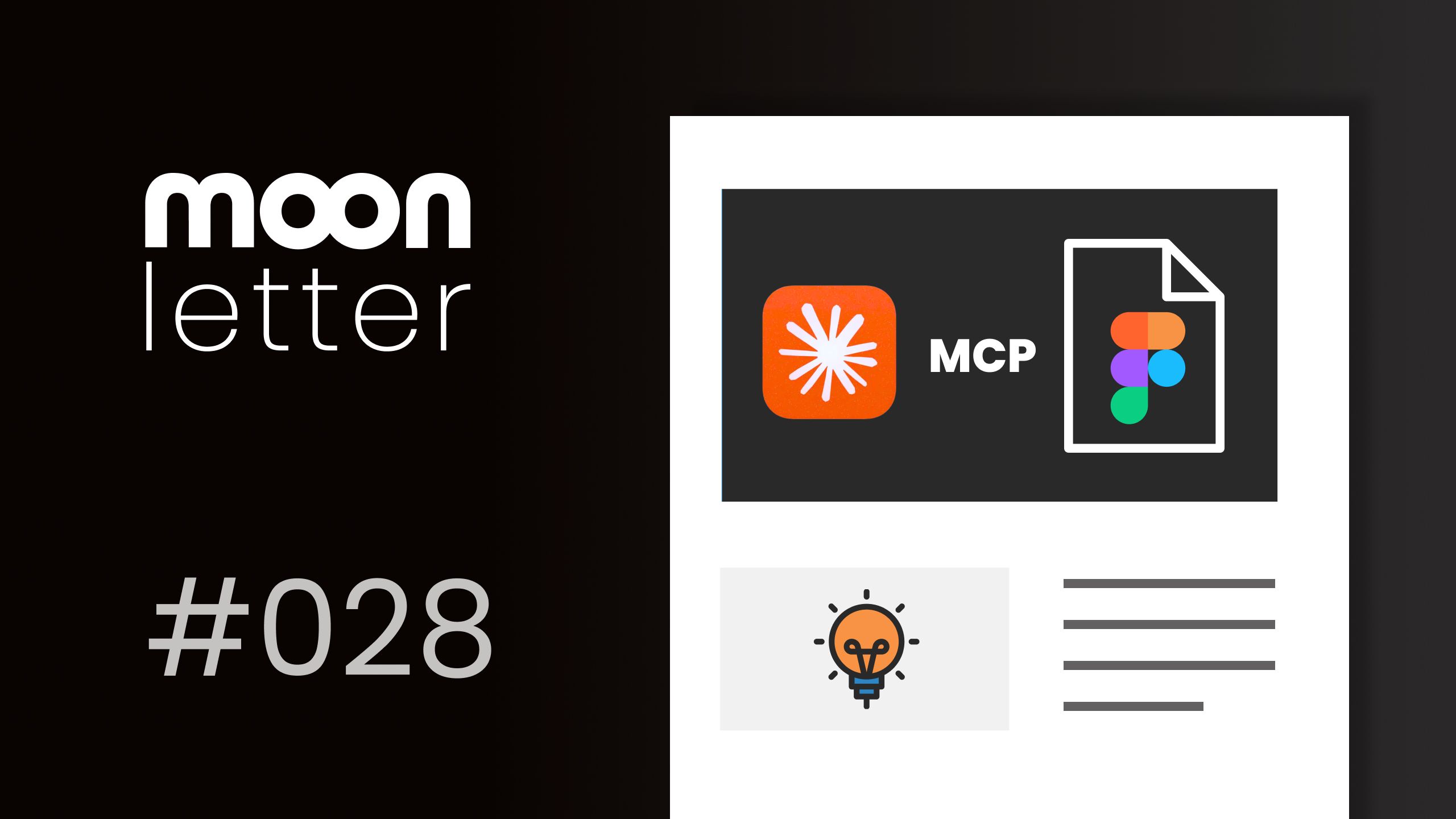
Prompting harder will not fix it, and neither will another markdown file, because the problem is not the instructions. What an agent needs is two pieces: a list of what your design system really contains, every component with its properties, allowed values and defaults (usually a JSON file called a manifest), and a connection it can ask through while it works, which is MCP. Without that connection, it answers from memory, and it has seen thousands of design systems, so you get the most common Button with bits of yours mixed in. No list, no AI prototyping, however good your components are.
So what do I do?
This is development work, and you do not have to build it. The quick route is the Storybook MCP, which most teams can set up in an afternoon if Storybook is already there, and the serious route is a custom design system MCP, which teams with engineers build around their own system. In my courses, we run a little design system playground, and I highly recommend you do the same; it sounds much harder than it is- it is just new.
Have a look at the full article where I lead you through all of it step by step:
Coming up:
New · 4 to 18 December · for designers with a solid Figma base
Already know Figma and design systems, and only want to upskill the AI part hands-on?
AI Design Systems & Prototyping for Designers is a two-week intensive with short videos and live sessions with me, and it runs through exactly the workflow from these last issues, hands-on.
You connect Figma and code with MCP, give an agent the context and skills it needs, check whether your own library is AI-ready, and build a Figma library from code (yes, code to Figma, not the other way around anymore). Then you learn how contracts keep both sides in sync, and you prototype with real components instead of lookalikes. I'll provide a sample codebase and guide you through it the designer's way to Figma and back.
You will not write code, but you will get comfortable reading it, and I will tell you which parts of this work today and which do not yet. AI moves fast, so the content may shift a little as new features land. Lifetime access, and lots of hands-on.
As a moonlearning subscriber, you get 30% off with the code MOONFAMILY. If you would rather have the full show- Figma and design system basics with the AI on top- the four-week course starts on 18 January with 25 seats, and the code MOONFIGMA gives you the same 30%.
Actionable Figma and AI training for designers, individuals and teams.
Most designs break between idea and build. I teach the thinking, the tools, and the technicalities beneath the surface, plus which AI workflows earn their place. Please note: the pre-recorded online library doesn't currently include the latest AI topics; it will be updated with Figma and AI basics. All the current stuff is too fast and will be an add-on from the live cohorts. Feedback welcome.
See all video courses -->
See all live workshops -->
Team training -->
Video courses · Live workshops · Team training
The Solo, my book · LinkedIn · Past issues
You are getting this because you signed up at moonlearning.io.

Responses